Select a Connection String
On this page, you can specify a connection string using one of the following two options.
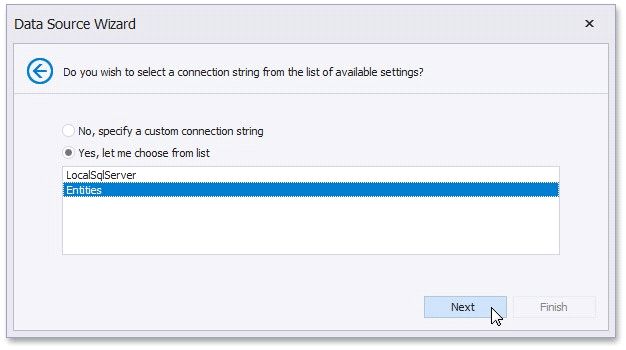
Click Next to proceed to the next wizard page. If you select the first option, proceed to the Specify a Connection String page. If you choose one of the available connection strings, go to the Bind to a Stored Procedure or Select a Data Member page, depending on whether or not the current Entity Framework model provides stored procedures.