Select Tables
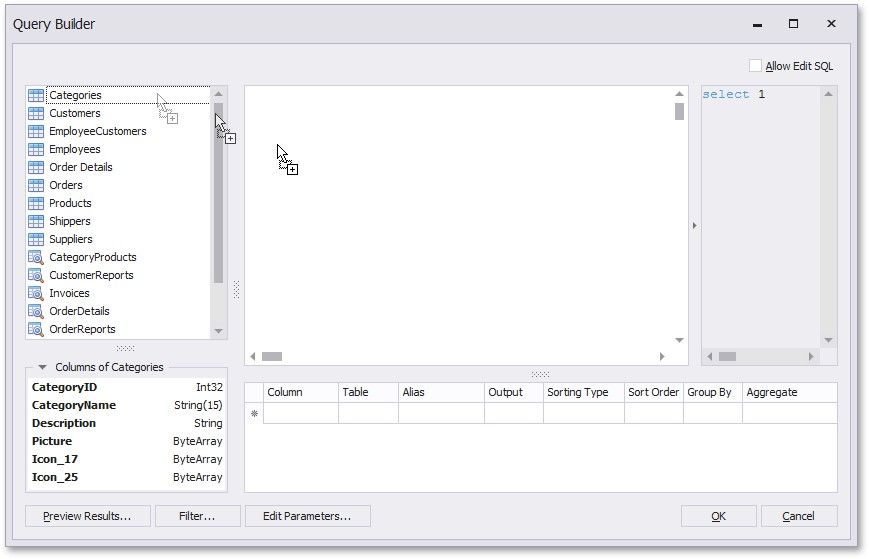
You can add a specific data table or view to a query by dragging the corresponding item from the list of available tables and dropping it onto the list of data tables to be used.
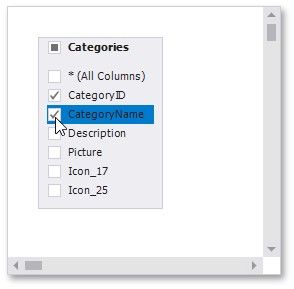
Enable check boxes for the table fields that you want to include in the query result set.
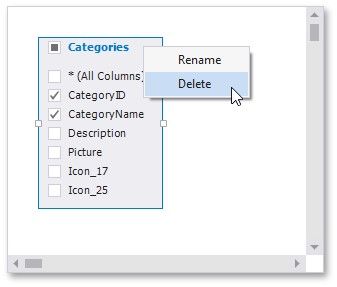
Each table provides the context menu, which allows you to rename the table or remove it from the query.
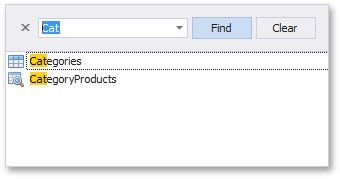
Click the list of available tables on the left and press CTRL+F to search for a specific table or view.