Protect a Workbook
Workbook protection prevents users from changing a workbook’s structure (by moving, deleting, adding, hiding or displaying a hidden worksheet) or window position (by freezing or unfreezing panes).
You can protect a worksheet by using the following dialog:
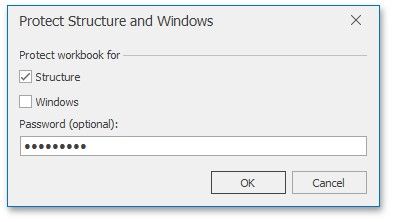
To invoke this dialog, on the Review tab, in the Changes group, click Protect Workbook.
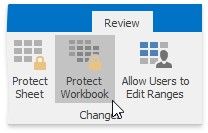
In a protected workbook, this button displays the "Unprotect Workbook" caption, which invokes a simple dialog that prompts for a password or unlocks the workbook if an empty password was