To start RHOP click on the RHOP icon located on your desktop

The RHOP software Loading screen of RHOP will appear

Once the software has been loaded in the RAM memory of your device a Logon screen will appear.
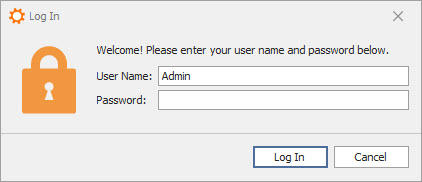
Enter you User Name and Password to login to RHOP