Load a Workbook
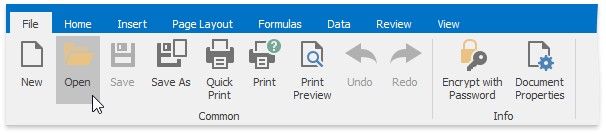
To load a workbook, select the File tab, and click the Open button in the Common group (or press CTRL+O).
In the invoked Open dialog box, select the file you wish to open.
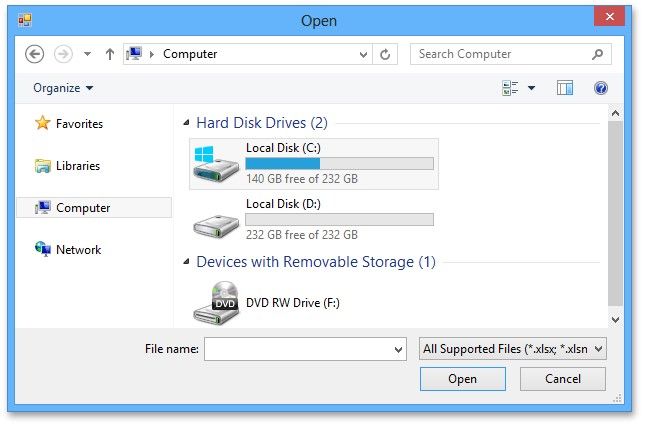
The Spreadsheet supports the following file formats.
Excel Workbook (*.xlsx)
Excel Macro-Enabled Workbook (*.xlsm)
Excel 97-2003 Workbook (*.xls)
Excel Template (*.xltx)
Excel Macro-Enabled Template (*.xltm)
Excel 97-2003 Template (*.xlt)
Tab-delimited Text File format (*.txt)
Comma-separated Values File format (*.csv)