Interactivity
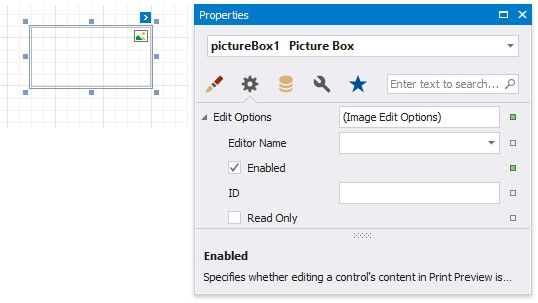
You can add a possibility to load/change an image and/or draw a signature in a picture box when it is displayed in Print Preview. To do this, enable the Edit Options | Enabled property.
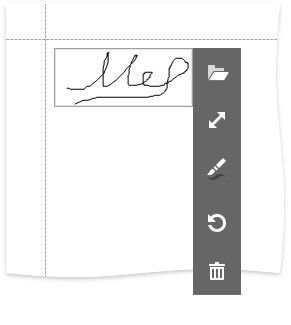
Click the picture box in a previewed document and an editor invokes.

Refer to the Content Editing in Print Preview topic for details and to the Interactive E-Forms tutorial to see how the E-Form demo report uses this picture box mo