Interactivity
Check the Enabled option in the Edit Options category to allow users to edit a label's content in Print Preview mode.
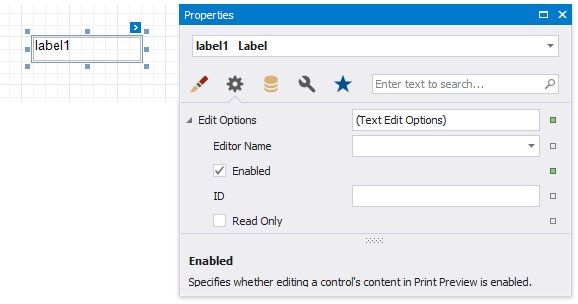
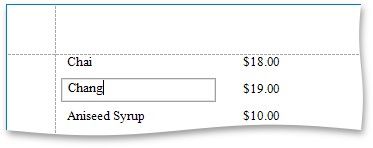
Click this label in a previewed document to invoke the editor.
Use the label's Interactive Sorting option to allow users to click this label in Print Preview to sort report data. Set the Target Band property to the Group Header or Detail band, and specify the data field in the Field Name property.
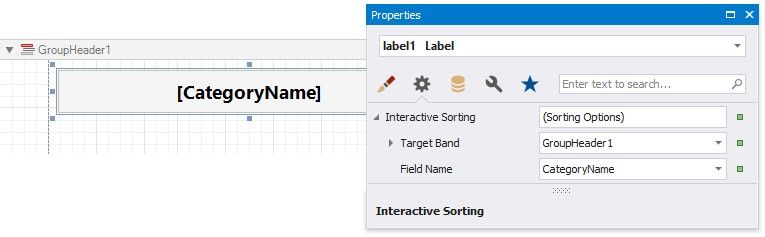
Refer to Sort a Report in Print Preview for a step-by-step tutorial.