Label
Label Overview
The Label control displays plain text in a report. Drag the Label item from the Toolbox onto the report's area to add a Label control to it.
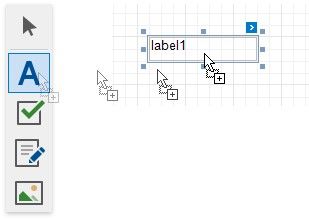
Double-click the label to invoke its in-place editor and enter the static text.
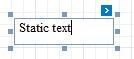
Press CTRL+Enter to submit text changes and exit the label's in-place edit mode.