Customize a Style of Cell Borders
Before you add borders to table cells, you can specify a style to be applied to borders.
To set a style for cell borders, do the following:
1.Select a table or specific cells whose borders you want to customize.
2.On the Table Tools/Layout tab, in the Borders&Shading group, change required options (Line Style, Line Weight, Pen Color).
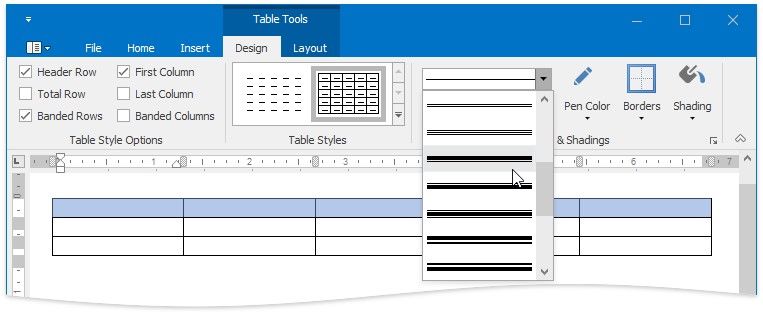
3.Add borders using the Table Styles group of the Table Tools / Design tab.