Copy Report Controls
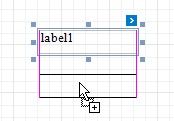
You can clone an existing report control by selecting it using the mouse, holding the CTRL key and moving the mouse to the required location. A cloned control has the same settings as the initial control.
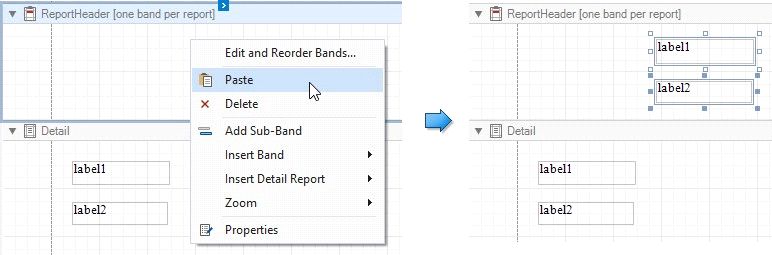
You can also copy report controls to the clipboard using CTRL + C or the Copy command, and then paste these controls to a new container or band.
 The original control positions are preserved when you use the CTRL + V hotkey or the Paste toolbar command to insert controls.
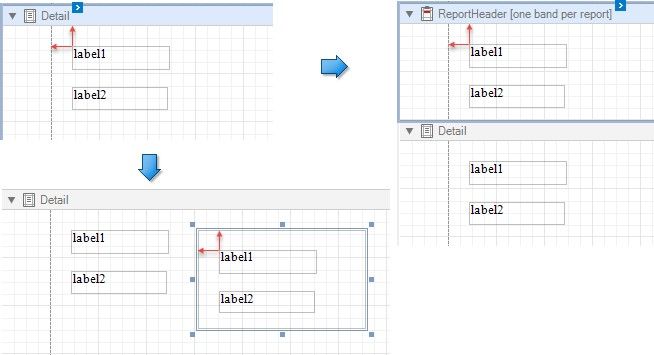
The pasted controls are repositioned by an offset of 10 units on both axes if another control already occupies the target position.