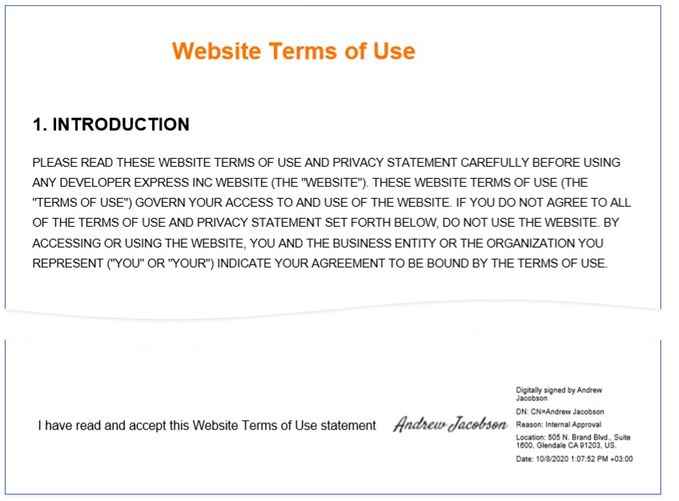
This section contains tutorials that explain how to create different reports.
Basic Reports
Table Reports
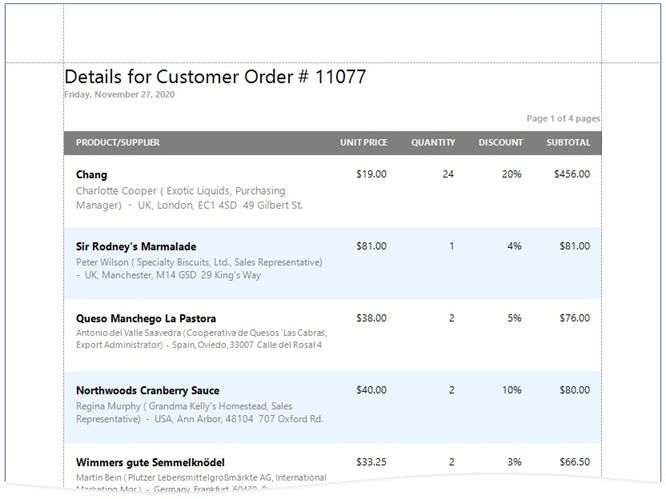
Vertical Reports
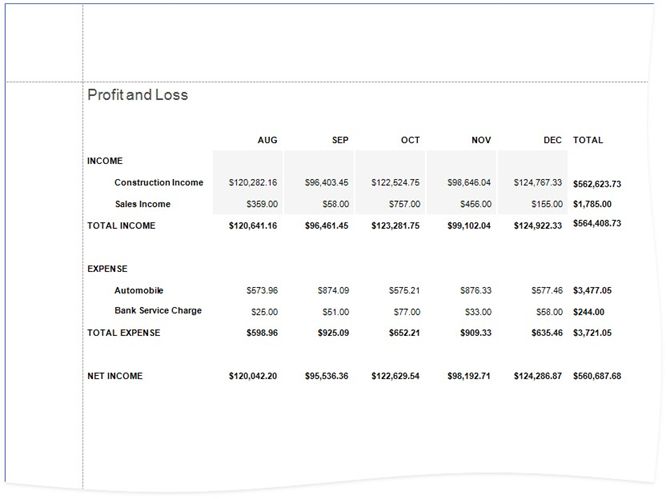
Reports with Hierarchical Data
Master-Detail Reports with Detail Report Bands
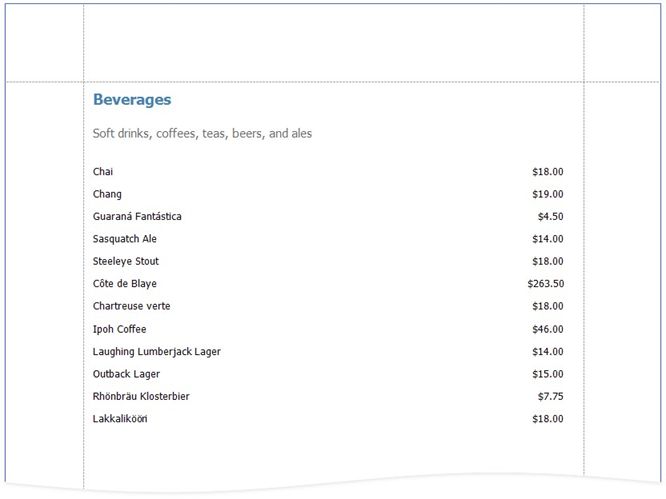
Master-Detail Reports with Subreports
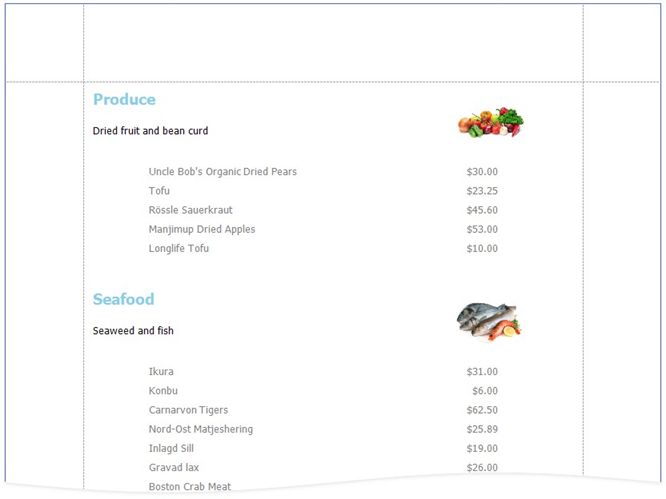
Hierarchical Reports
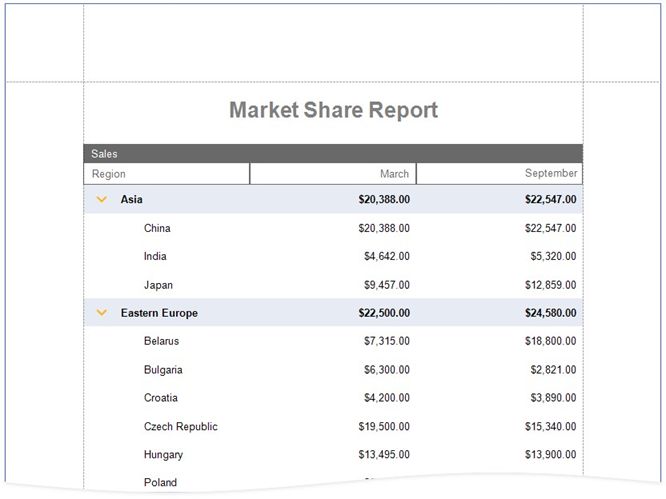
Invoice Reports
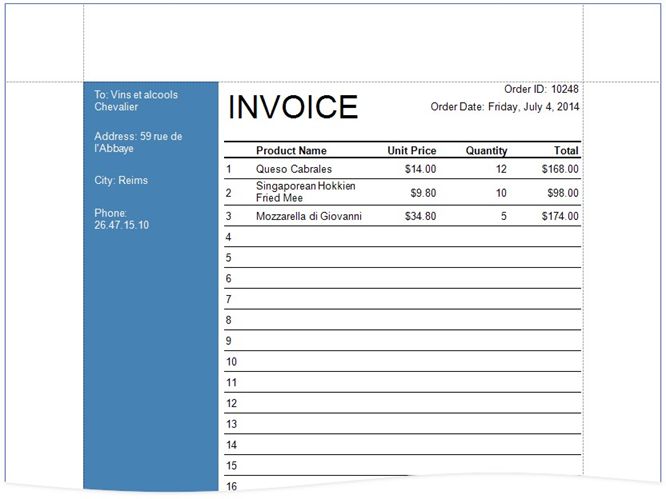
Invoices
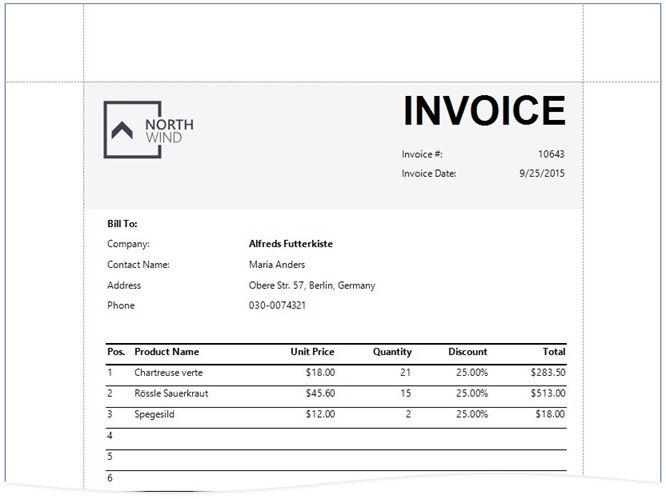
Invoices from Templates
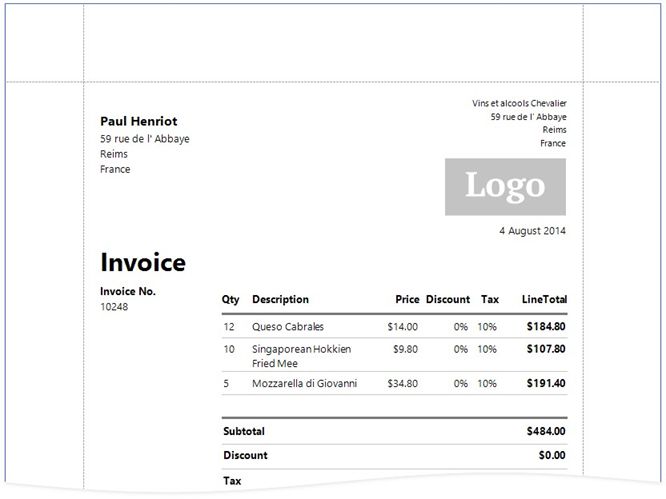
Cross-Tab Reports
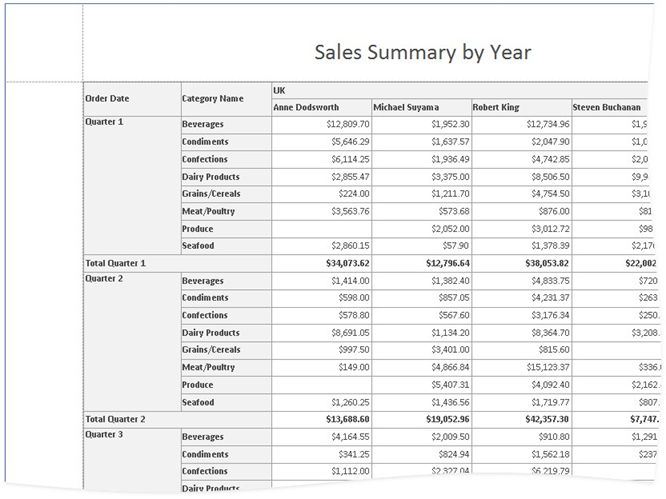
Cross-Tab Reports
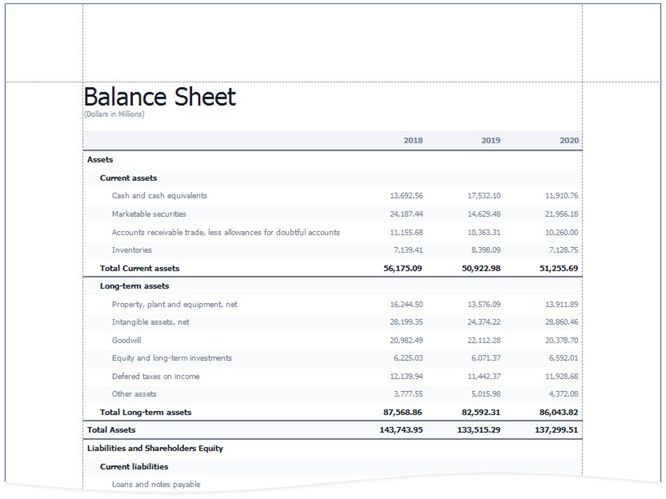
Balance Sheets
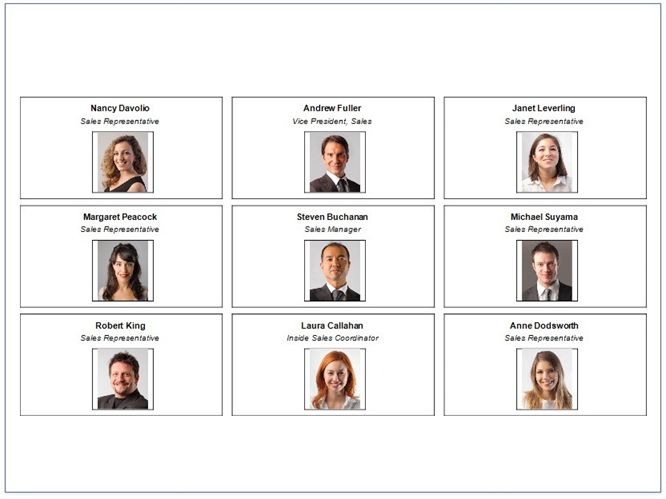
Multi-Column Reports
Labels and Badges
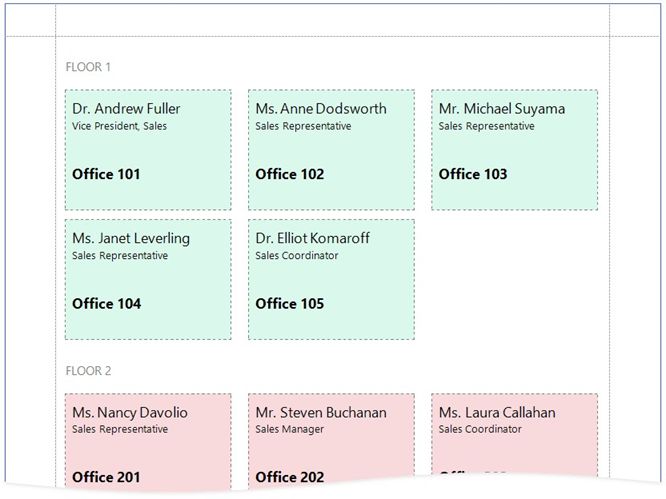
Multi-Column Reports
Interactive Reports
You can add interactive elements to your report to customize it in Print Preview:
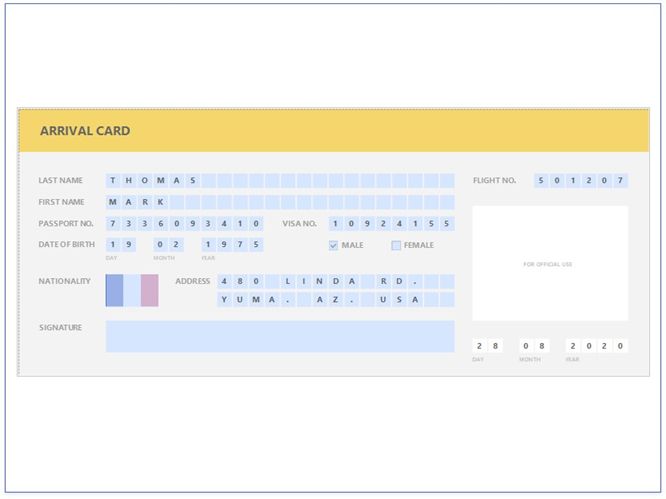
Interactive E-Forms
Note:
•See the Provide Interactivity section for information on how to provide drill-down and drill-through functionality in your reports. •See Use Report Parameters for instructions on how to submit parameter values in Print Preview to customize your reports.
|
Layout Features
Reports with Cross-Band Content and Populated Empty Space
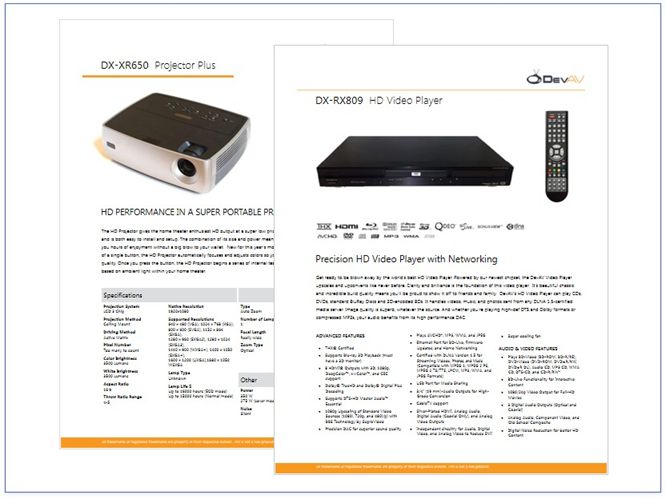
Reports with PDF content
Reports with a Visual PDF Signature