Apply Styles to Bands
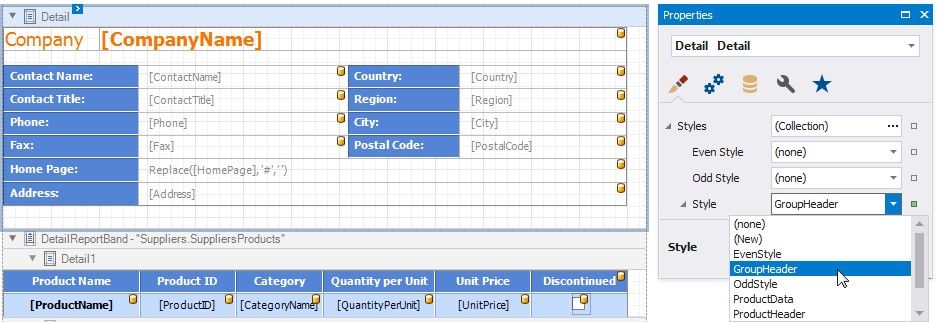
Select a band and switch to the Property Grid. Expand the Styles group and set the Style property to the style name.\
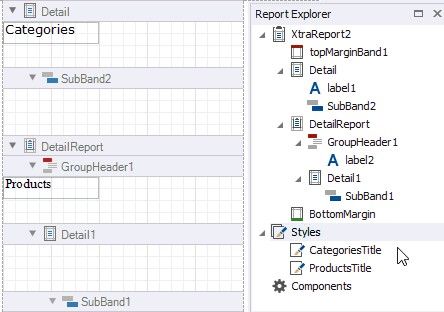
As an alternative, you can drag a style from the Report Explorer onto a band. This is applicable to all bands except DetailReport.