Add a Detail Band to a Master-Detail Band
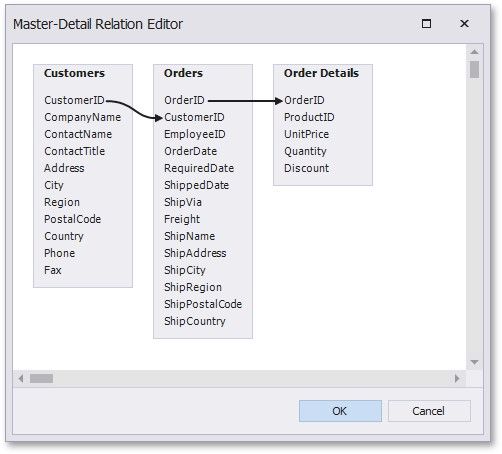
Use the Detail Report band to create hierarchical master-detail reports. Detail report bands provide detailed information about each record in the master report's detail band (for example, orders shipped to each customer). You can create such reports when master-detail relationships are defined between data source tables:
The Detail Report band is a separate report (subreport) with its own data source and different bands. A report can have any number of detail reports that can also be nested.
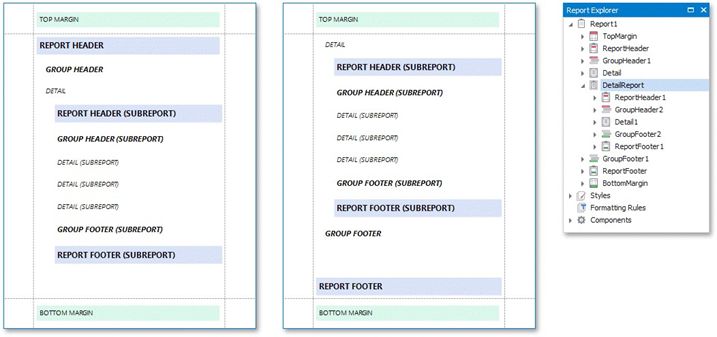
The following image illustrates a master-detail report and the Report Explorer that reflects the report's structure: