Wrap Text Around a Table
Place the cursor within the target table.
Click the Properties button in the Table group on the Table Tools/Layout tab or invoke the context menu and select Table Properties.
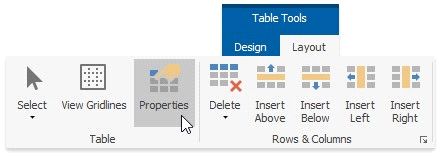
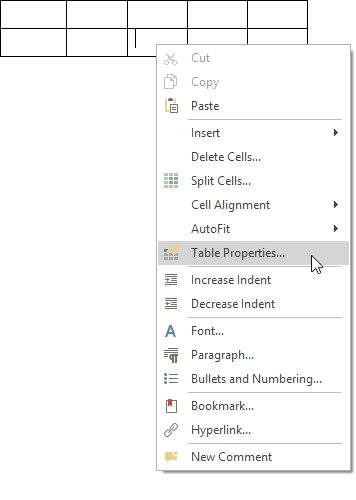
In the invoked Table Properties dialog, click Around in the Text Wrapping section. Click the enabled Positioning button to open the Table Positioning dialog.
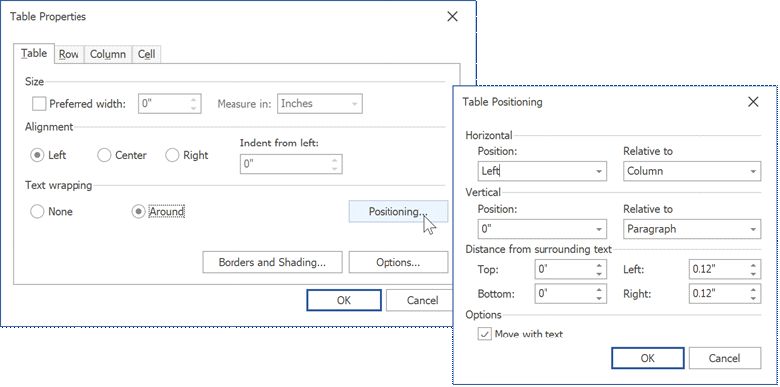
to specify an absolute position. To set a relative position, select the required alignment from the Position list and the relative element from the Relative to: listIn this dialog, you can specify the table's horizontal and vertical positions. Enter a numeric value in the Position.
Specify the distance between the table and surrounding text in the Distance from surrounding text section.
Check Move with Text to make the table move