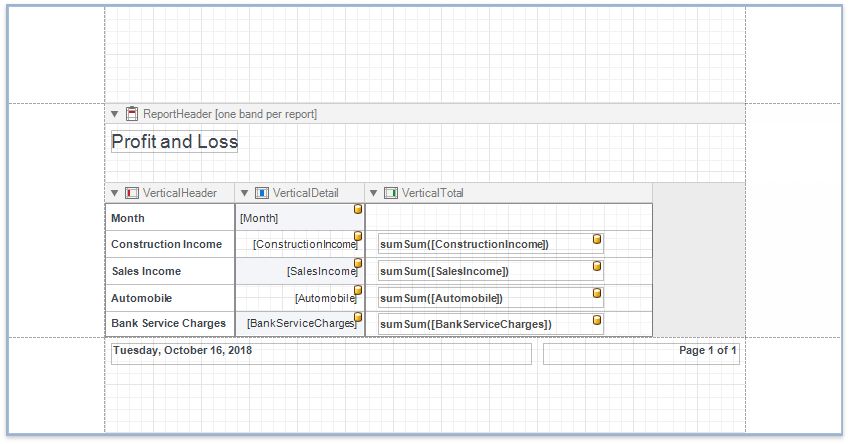
Vertical Report
The topics in this section describe how to create a vertical report - a table report where record fields are displayed vertically and data records are printed horizontally.
Run the Report Wizard and select Vertical Report to create a new vertical report and connect it to data.
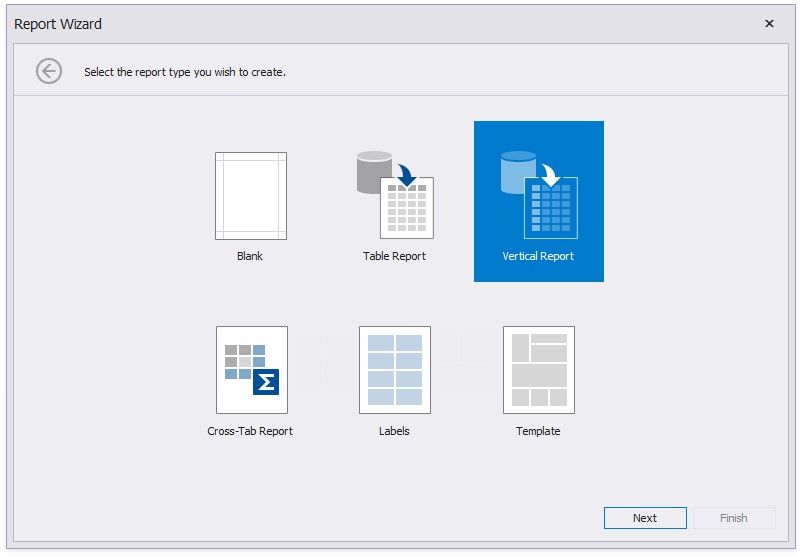
The Report Wizard can include the following pages (similar to the Table Report type):
Select the Data Source Type
Choose Fields to Display in a Report
Add Grouping Levels
Specify Summary Options
Specify Report Page Settings
Specify a Report Color Scheme Set the Report Title
After you finish the wizard, it creates a report with vertical bands: Vertical Header, Vertical Detail and Vertical Total.