Text Editors
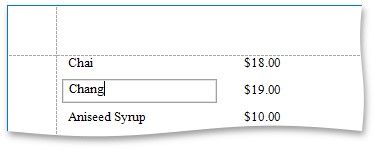
Text editors are used to customize the Label, Table Cell and Character Comb report controls' content in Print Preview.
The default text editor is a memo edit.
Specify the Edit Options | Editor Name property to use one of the following text editors:
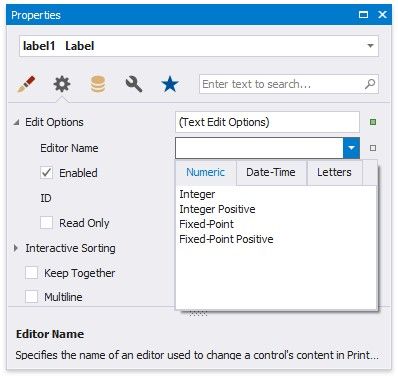
NUMERIC |
DATE-TIME |
LET TERS |
Integer |
Date |
Only Letters |
Positive Integer |
|
Only Uppercase Letters |
Fixed-Point |
|
Only Lowercase Letters |
Positive Fixed-Point |
|
Only Latin Letters |
Each editor has a specific mask.
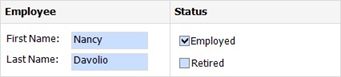
Note: If a table cell contains other controls, you cannot edit this cell (they can edit the cell's controls). The following image illustrates this: