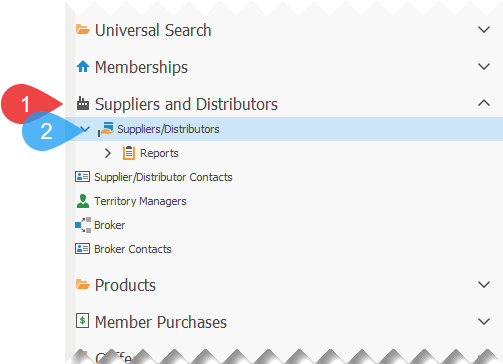
1.Click on Suppliers and Distributors, to expand the section, if not already expanded.
2.Click on Suppliers/Distributors, to open the list of suppliers and distributors.
3.Double-click on the supplier that you wish to track the coffee green market differential and partnering fund.
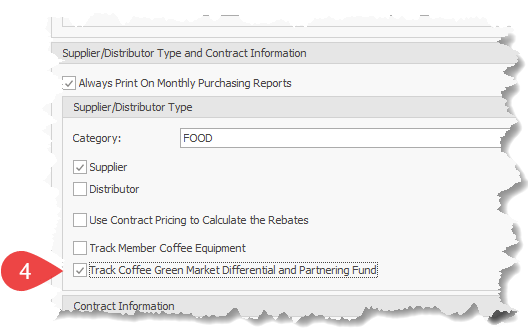
4.Ensure that the option Track Coffee Green Market Differential and Partnering Fund is checked.
5.Click on the Save to save the changes.