Simple Fields Reordering
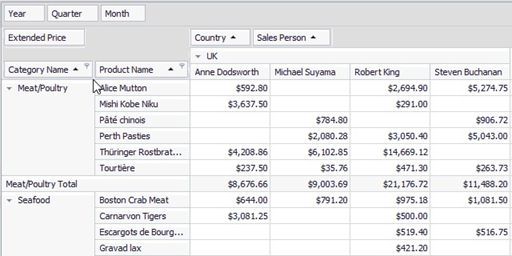
To move a field to another position, use drag-and-drop operations.
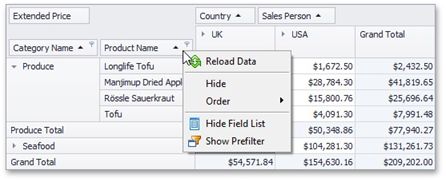
To move a field to a different position within the same area, you can also use a field context menu.
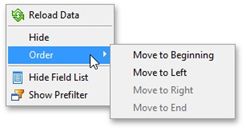
Select the required command from the Order menu.
Right-click the field header to activate the context menu.
You can also use a Field List to reorder fields. For more information, see Reorder Fields Using a Field List.