Set Background Color of Cells
1.Select a table or specific cells whose background color you want to set.
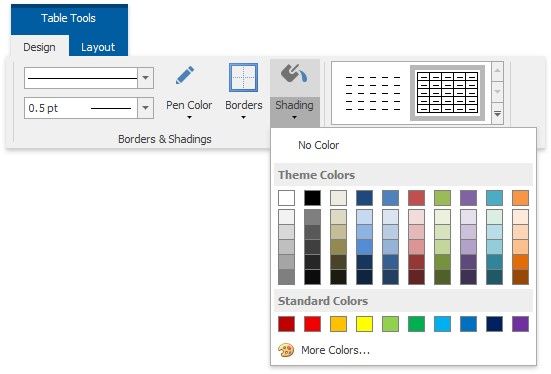
2.Click the Shading arrow and select a color to fill-in the background of the selected cells.
|
<< Click to Display Table of Contents >> Navigation: User Interface (UI) Elements > Rich Text Editor > Set Background Color of Cells |
Set Background Color of Cells
1.Select a table or specific cells whose background color you want to set.
2.Click the Shading arrow and select a color to fill-in the background of the selected cells.