Select Data Fields
On this page, the wizard shows the specified JSON data's structure. You can choose all nodes or a subset of nodes.
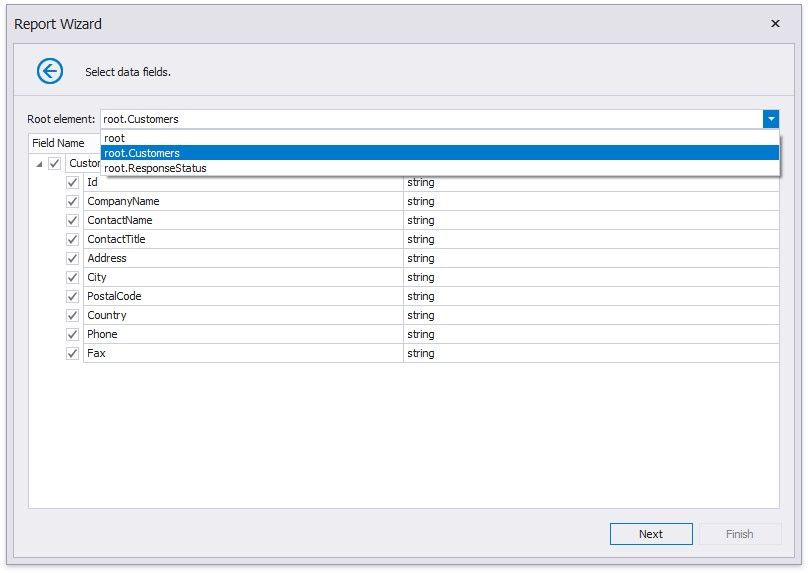
Uncheck the data fields that your report does not require.
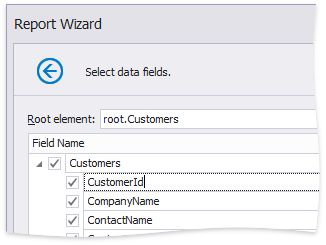
You can rename data fields if necessary.
|
<< Click to Display Table of Contents >> Navigation: User Interface (UI) Elements > Report Designer > Data Source Wizard > Connect to a JSON Data Source > Select Data Fields |
Select Data Fields
On this page, the wizard shows the specified JSON data's structure. You can choose all nodes or a subset of nodes.
Uncheck the data fields that your report does not require.
You can rename data fields if necessary.