Select a Worksheet, Table or Named Region
On this wizard page, select one of the available worksheets, tables or named regions.
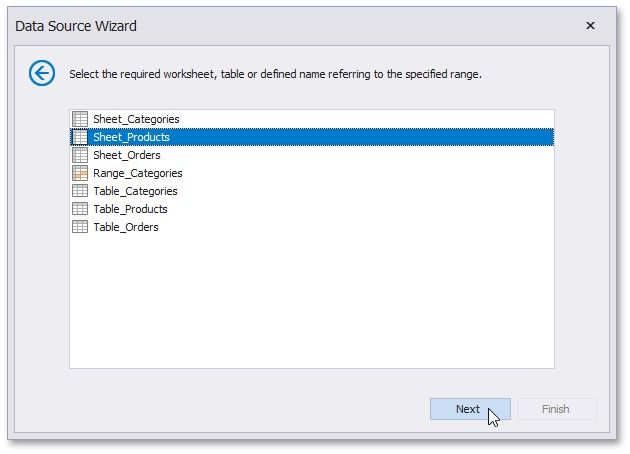
Click Next to proceed to the next wizard page: Choose Columns.
.
|
<< Click to Display Table of Contents >> Navigation: User Interface (UI) Elements > Report Designer > Data Source Wizard > Connect to an Excel Data Source > Select a Worksheet, Table or Named Range |
Select a Worksheet, Table or Named Region
On this wizard page, select one of the available worksheets, tables or named regions.
Click Next to proceed to the next wizard page: Choose Columns.
.