Select a Range of Values
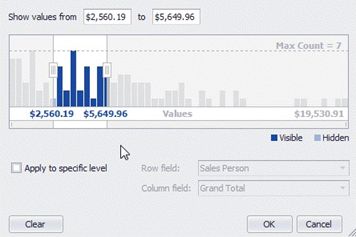
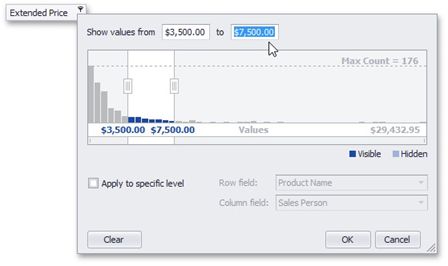
You can select a range of cell values to be displayed in any of the following ways.
Enter the bounds of the range into the appropriate text editors.
Drag selection thumbs in the range
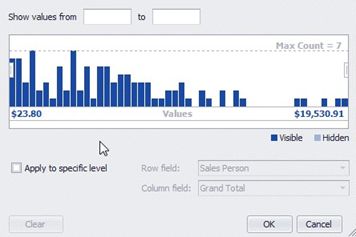
If a range is already selected, you can select a different range with the mouse.