Select a Data Connection
On this page, specify whether you want to use an existing data connection or create a new data connection.
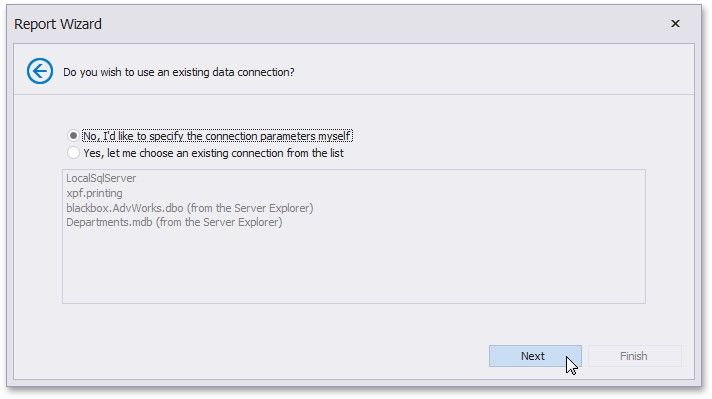
Click Next to proceed to the next wizard page, depending on the selected option.
Specify a Connection String
Save the Connection String