Save a PDF File
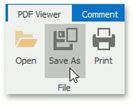
If you need to save your PDF file to disk, click the Save As button, or press Ctrl+S.
In the invoked Save As dialog, locate the folder where you want to store your file, enter the document's name and click Save.
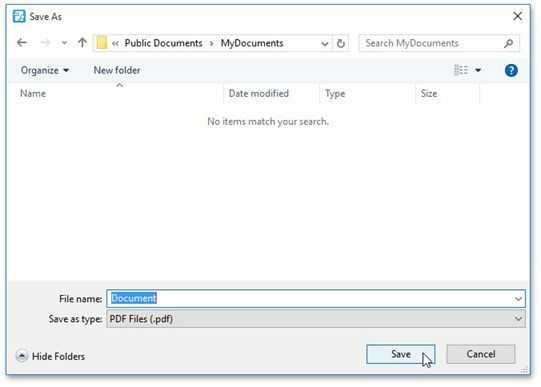
Your document will be saved with the .pdf file extension.