Open a PDF File
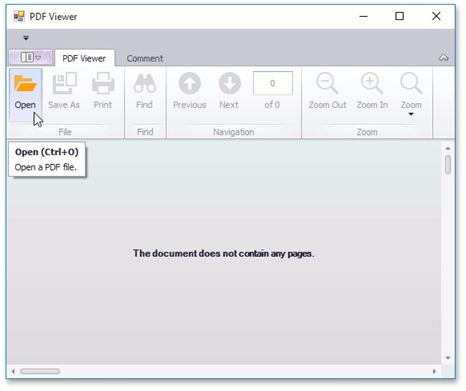
To open a document for viewing, click the Open button, or press Ctrl+O.
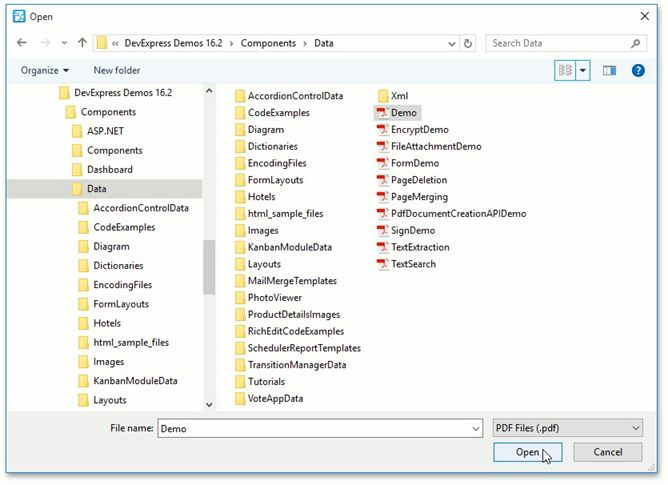
In the invoked dialog, choose a PDF file and click Open.
|
<< Click to Display Table of Contents >> Navigation: User Interface (UI) Elements > PDF Viewer > Manage Documents and Files > Open a PDF File |
Open a PDF File
To open a document for viewing, click the Open button, or press Ctrl+O.
In the invoked dialog, choose a PDF file and click Open.