Rotate a Document
To rotate a document, use the following commands.
Rotate Clockwise
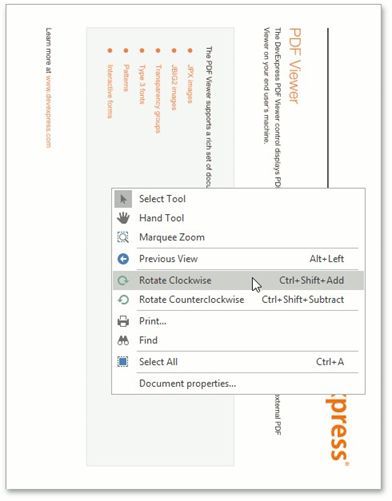
Rotates the document clockwise through 90 degrees. To perform this command, right-click the viewed document, choose the Rotate Clockwise  item, or press Ctrl + Shift + Add
Rotate Counterclockwise
Rotates the document counterclockwise through 90 degrees. To do this, invoke the context menu by right-clicking the document, choose the Rotate Counterclockwise  item, or press Ctrl + Shift + Subtract.