Ribbon Interface
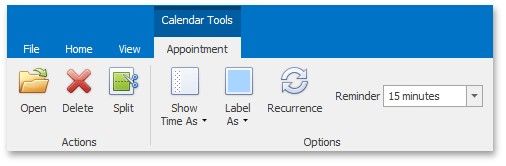
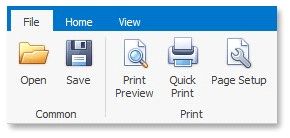
A scheduler can be accompanied by a set of of Ribbon tabbed pages that provide you with a comprehensive functionality to perform basic operations in a scheduler (navigate through dates, change active view, create, edit and delete appointments, select a type for grouping scheduler data, etc.) via a Ribbon interface. Ribbon pages are structurally and visually split into logical groups. Each of these groups includes commands that have certain common features.
File
Home

Navigate Dates in the Scheduler
View

Customize the active view layout.
Appointment