Report with Multiple Signatures
The first PDF Signature control is added to a report with the Display Document Signature property enabled. This control visualizes the document signature information.
Other PDF Signature controls are added with the Display Document Signature property disabled. When a report is exported to PDF, these controls are converted to signature form fields. Users can open an exported file in a PDF editor and put their signatures in these fields.
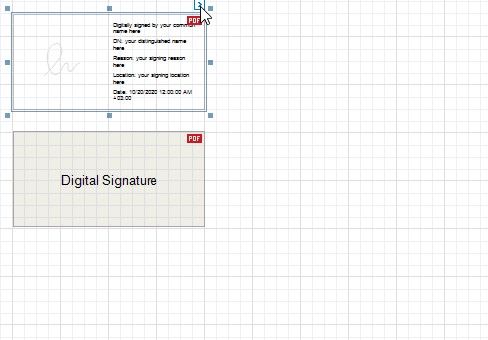
Enable a control's Display Document Signature property to make it visualize the document's signature information. This property becomes disabled for all other signature controls.
If all signature controls have the Display Document Signature property disabled, the signature information is added to an exported file but is not displayed.