You can remove an imported supplier's contract pricing list, by following the steps below:
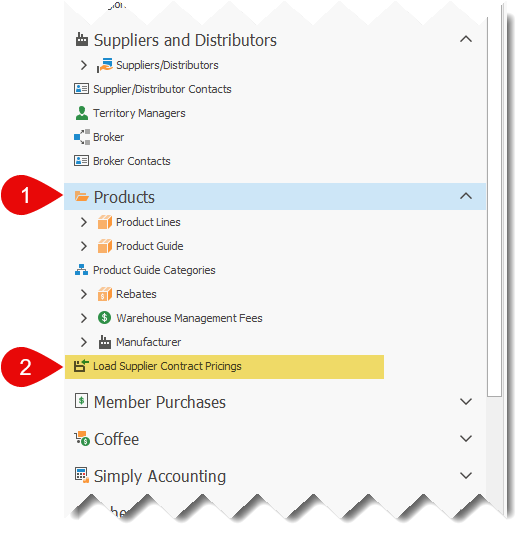
1.Click on the Products option to expand the menu.
2.Click on Load Supplier Contract Pricings, to open the list.
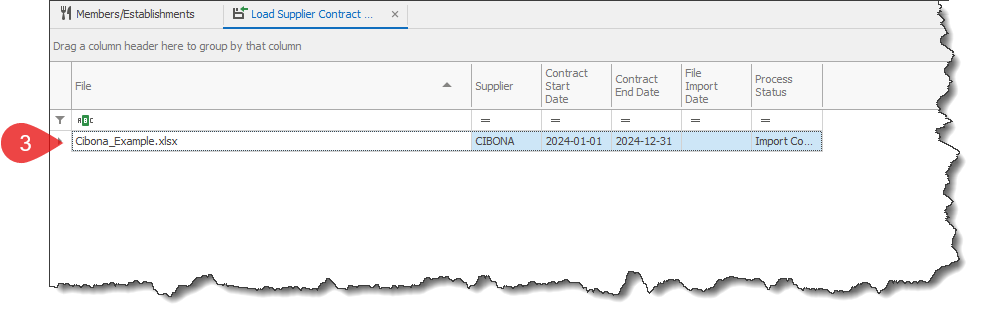
3.Double-click to open the imported file that the information should be removed from RHOP.
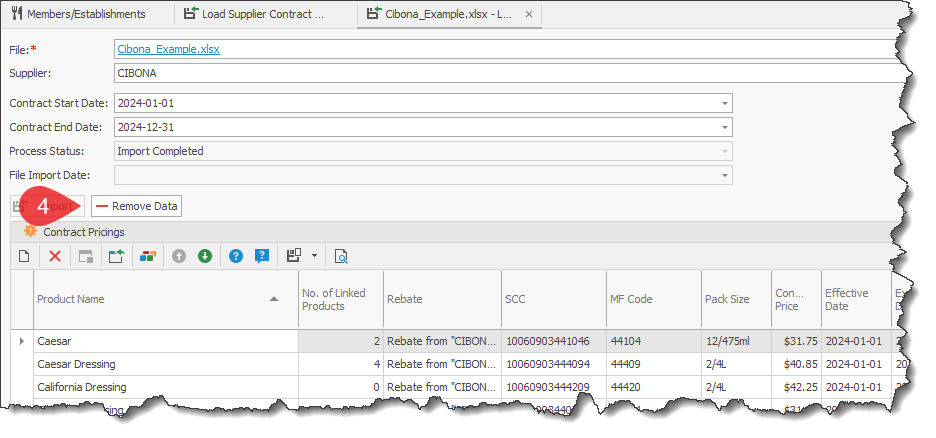
4.Click on the Remove Data button.
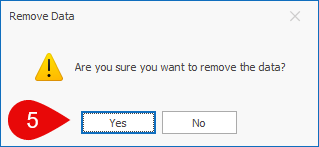
5.Proceed with removing the contract pricing file data from RHOP:
a.Click on the Yes button, to proceed with the removal.
b.Click on the No button, to cancel the removal.
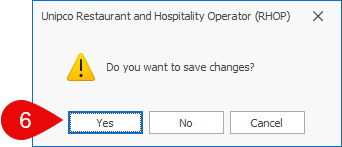
6.Save the changes.
c.Click Yes to save the imported information.
d.Click No to not save the imported information at this time, but do not forget to click on the Save button to save the new information, otherwise it will not be saved in RHOP.
e.Click Cancel to discard the imported information.
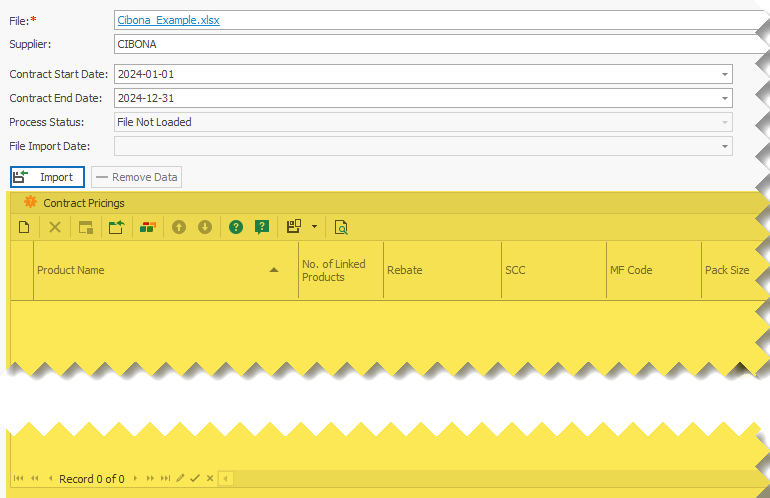
7.The list of imported Contract Pricings for the selected file should now be empty(shown in the image below, in the highlighted area). Also, the Import button should now be available.