1.Create the product contract pricing and additional rebate file to load, by using the File Format for Product Contract Pricing and Additional Rebate.
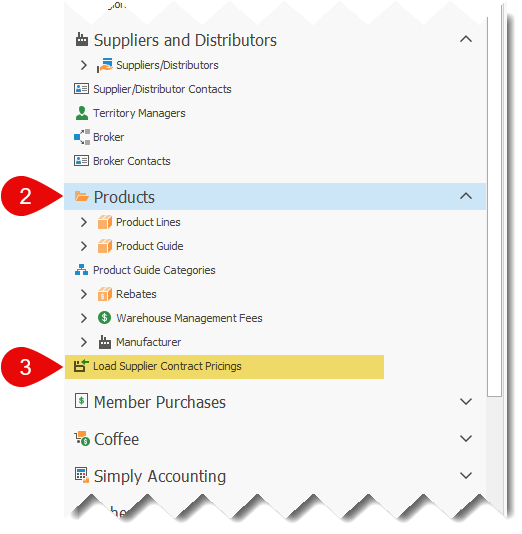
2.In the side menu, open the Products section
3.Select Load Supplier Contract Pricings
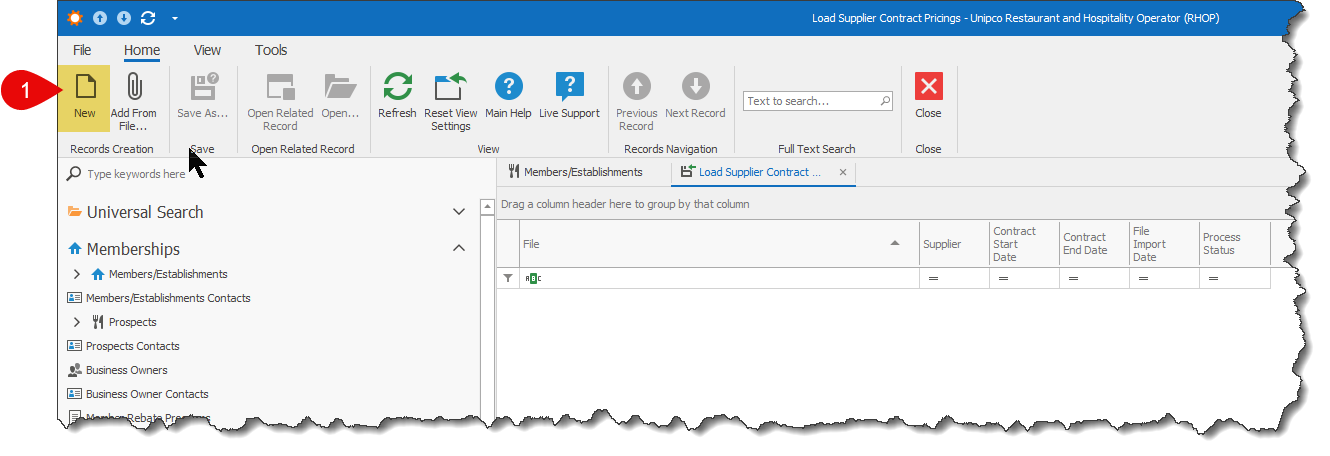
4.Click on the New button.
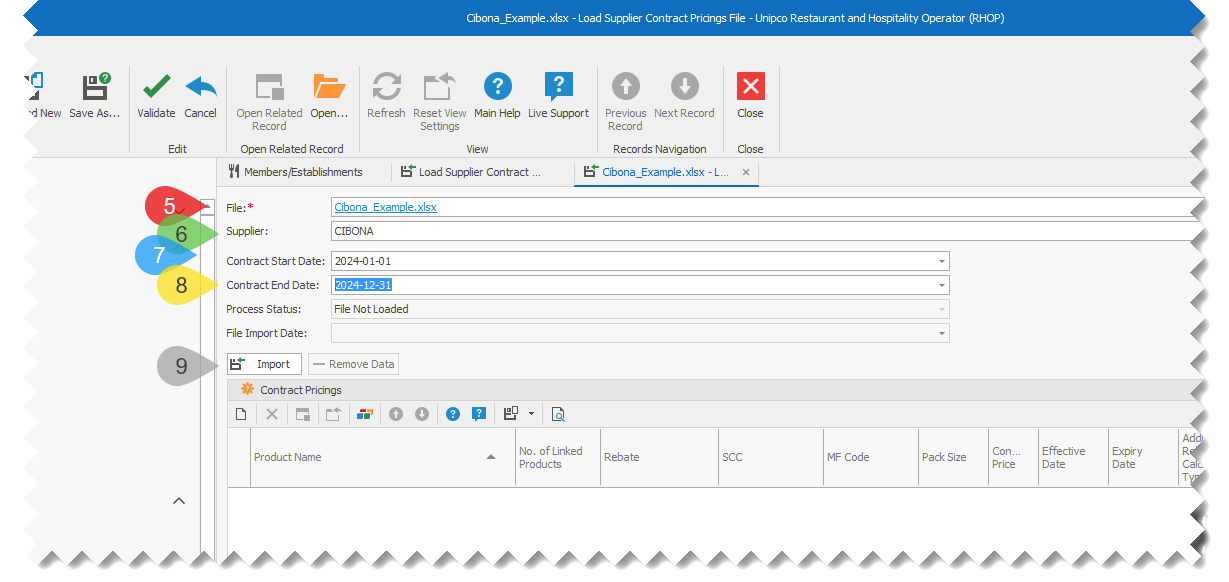
5.Select the File to import.
6.Select which Supplier that the file is associated with.
7.Select the Contract Start Date
8.(Optional) Select the Contract End Date
9.Click the Import button, to start the import process
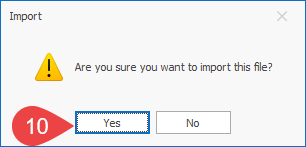
10.Proceed with importing the contract pricing file:
a.Click on the Yes button, to proceed with the import.
b.Click on the No button, to cancel the import.
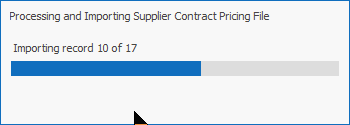
11.You will see a progress window showing you how many records will be imported and the progression of the import.
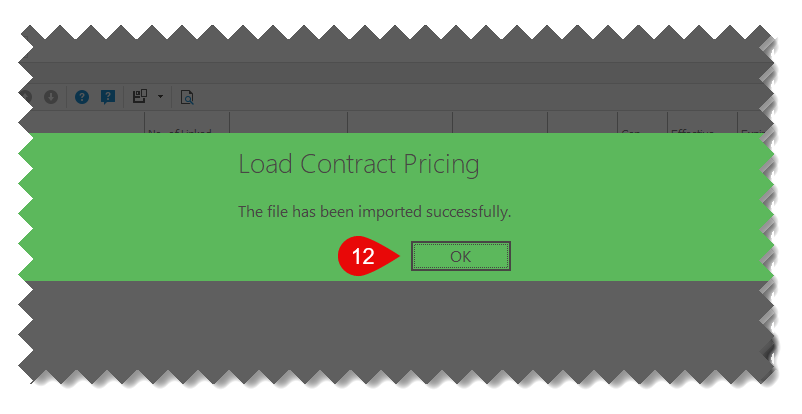
12.Once completed, click on OK on the completion window.
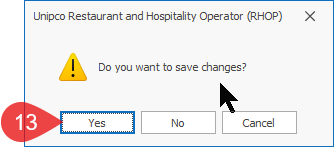
13.Save the changes.
a.Click Yes to save the imported information.
b.Click No to not save the imported information at this time, but do not forget to click on the Save button to save the new information, otherwise it will not be saved in RHOP.
c.Click Cancel to discard the imported information.
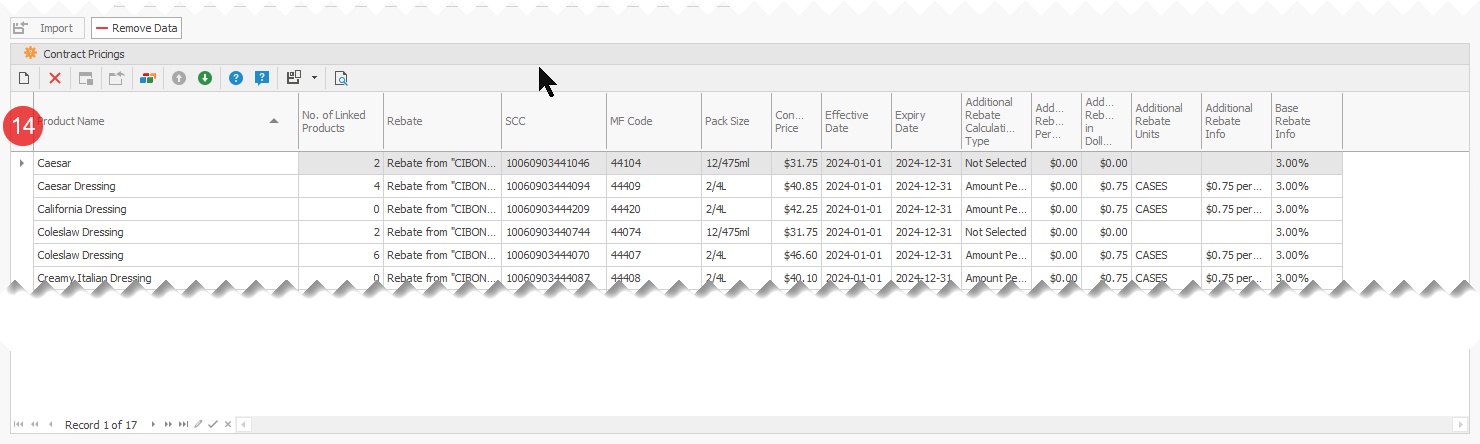
14.Review the imported information.