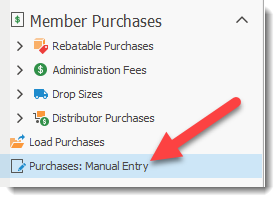
The Manual Entry screen for Purchases permits user to enter manually purchases made by members.
The New  button permits a user to create a new Manual Purchases entry record. The user can select the Member and Supplier for the record. The Status is automatically assigned and the user can select the Period for the purchased.
Required fields are identified with a * beside the field.
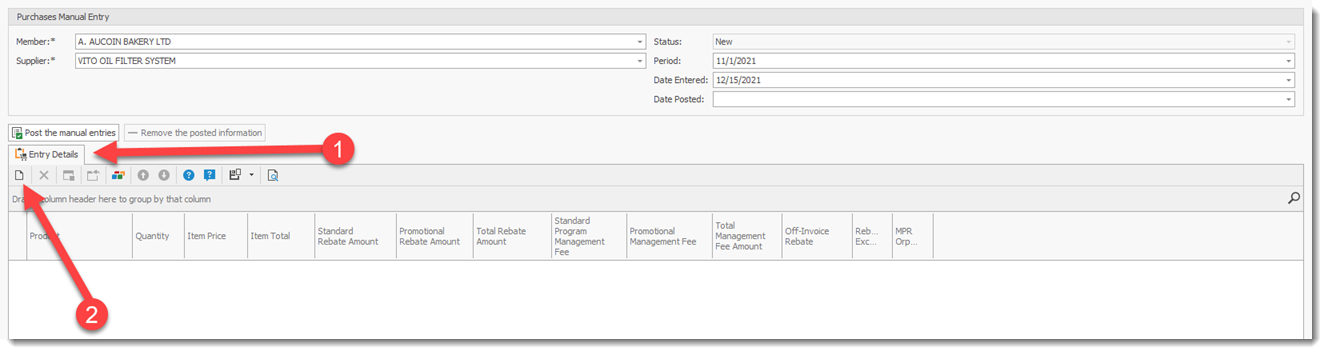
To create the Purchase record, select the Entry Detail (1) tab and click on the New record (2) button. This will open the Purchase Manual Entry Detail screen where a user can select and enter the Product, Quantity, Item Price for the purchased item.
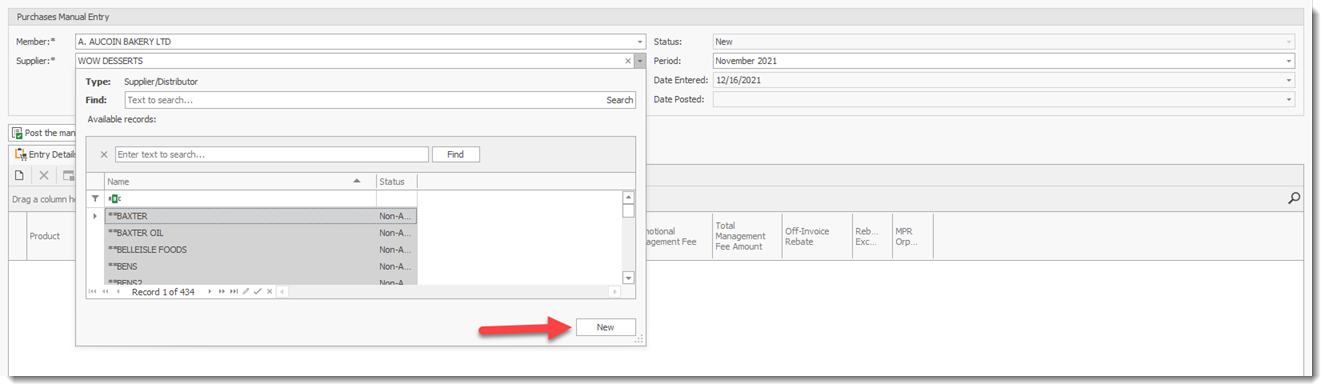
The user can select the NEW button in the search screen to create a new supplier record.
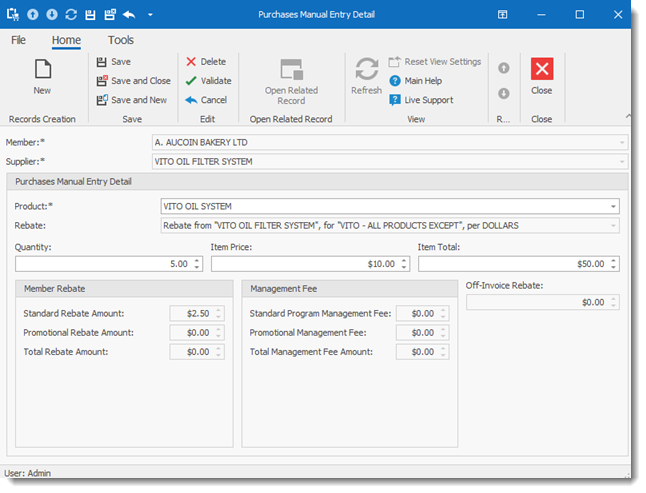
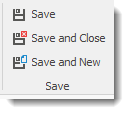
Once the purchase details are entered select one of the Save button to record the purchases.