Preview Results
You can preview the query execution's result in a tabular form by clicking the Preview Results button.
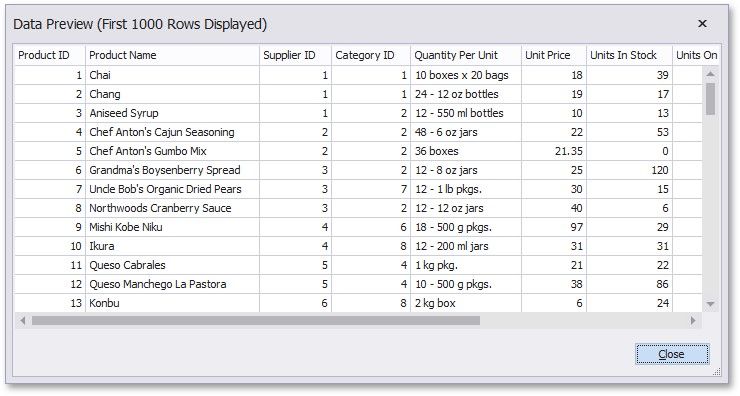
This opens the Data Preview window displaying the query result set (limited to the first 1000 data records).
|
<< Click to Display Table of Contents >> Navigation: User Interface (UI) Elements > Report Designer > Query Builder > Preview Results |
Preview Results
You can preview the query execution's result in a tabular form by clicking the Preview Results button.
This opens the Data Preview window displaying the query result set (limited to the first 1000 data records).