Change Page Background Color
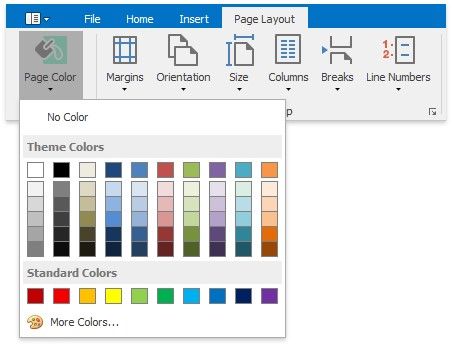
On the Page Layout tab, in the Background group, click Page Color and select the required color for the background of the document pages.
|
<< Click to Display Table of Contents >> Navigation: User Interface (UI) Elements > Rich Text Editor > Page Background Color |
Change Page Background Color
On the Page Layout tab, in the Background group, click Page Color and select the required color for the background of the document pages.