Overview
A thumbnail provides a miniature preview of a document page. The PDF Viewer shows page thumbnails of an active PDF document in the Page Thumbnails panel. The panel is located on the Navigation pane.
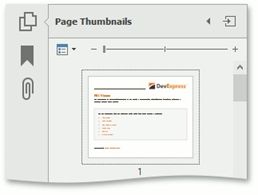
When a thumbnail is selected, the PDF Viewer shows the corresponding page.
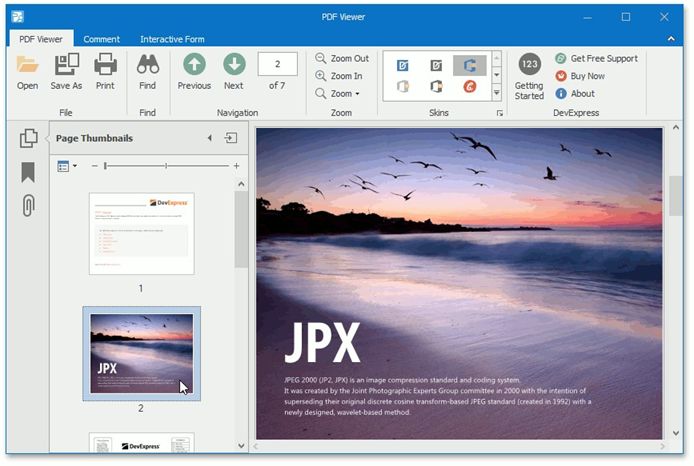
You can navigate through a document by selecting the page thumbnails.
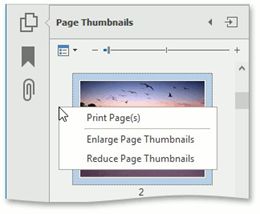
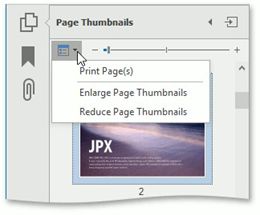
The Page Thumbnails panel provides thumbnail options that can be accessed using one of the following ways:
click the Options drop-down button;
use the right click menu of the Page Thumbnails