Overview
Bookmarks (outlines) are used to navigate quickly from one part of a document to another. The PDF Viewer can show bookmarks on the navigation pane for a PDF document that contains them.
Click on a bookmark to display a page linked to the bookmark in the Viewer. Bookmarks can also open web pages.
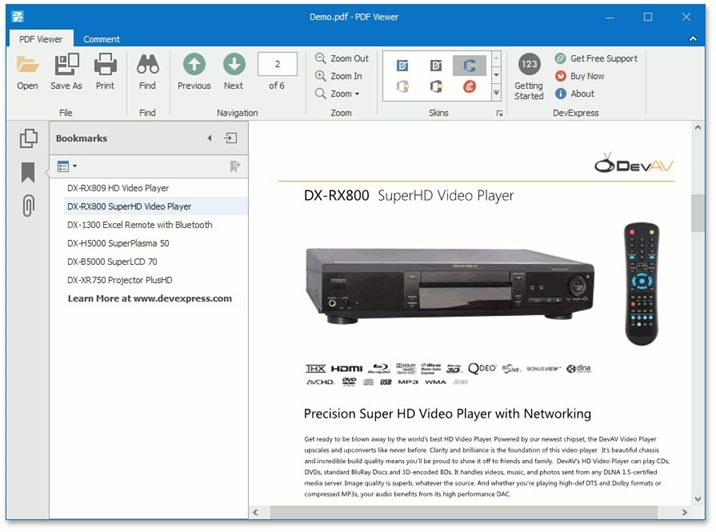
Bookmarks are displayed in a hierarchical tree providing a convenient document overview. They can show or hide the document hierarchy in the navigation pane.
To open (or close) a bookmark item, click it with the mouse.
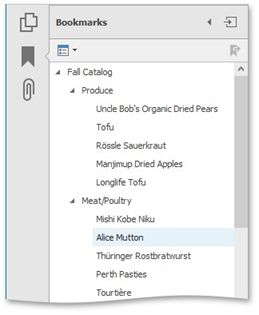
After the bookmark item is open, you can see its children in the pane.