Maintain the Band Location on a Page
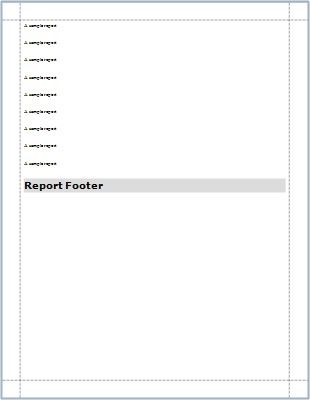
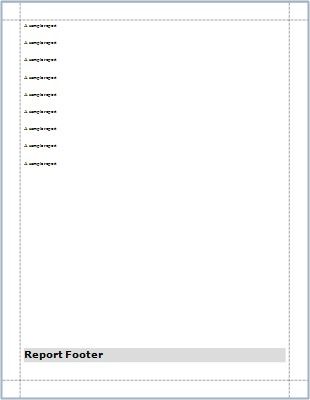
Use the Group and Report Footer's Print At Bottom property to choose whether these bands should appear at the bottom of a page or immediately after the previous band.
PRINT AT BOT TOM = NO |
PRINT AT BOT TOM = YES |
|
|
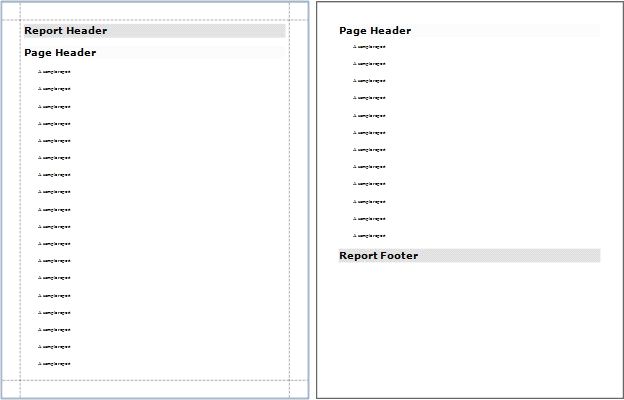
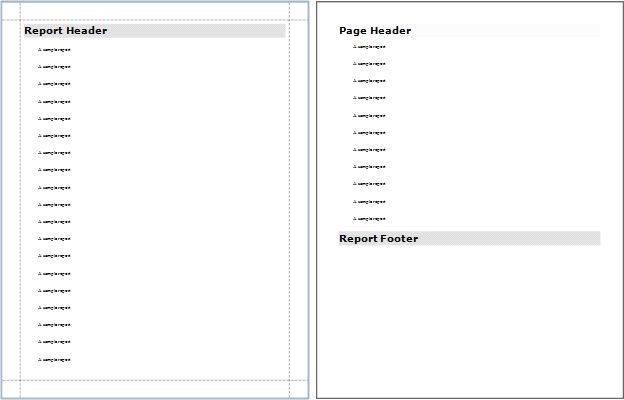
Use the Page Header and Footer's Print On property to avoid printing these bands on the same page with a Report Header and/or Footer.
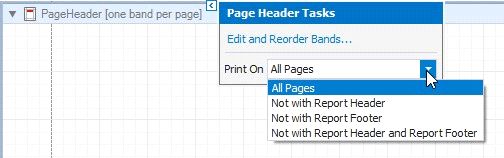
Print On = All Pages
Print On = Not With Report Header
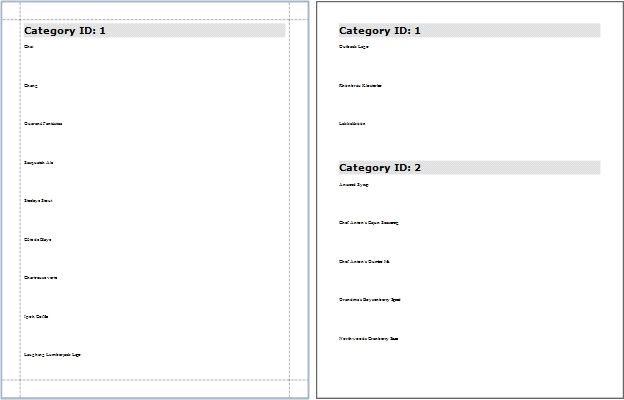
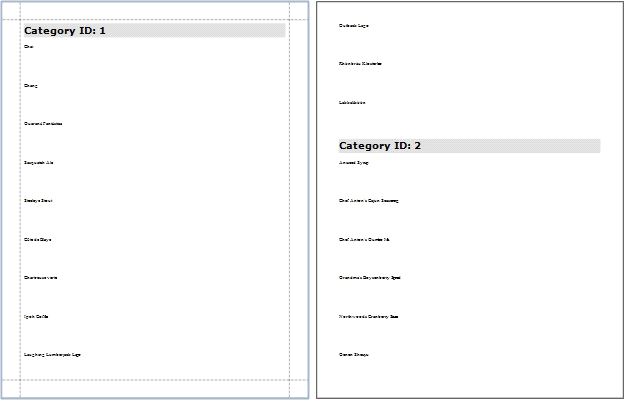
Use the Group Header and Footer's Repeat Every Page property to repeat these bands on every page.
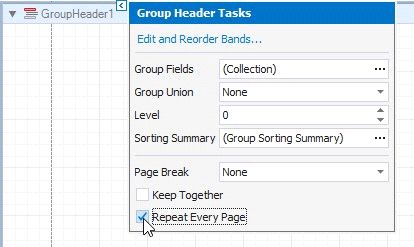
Repeat Every Page = No
Repeat Every Page = Yes