Load a Document
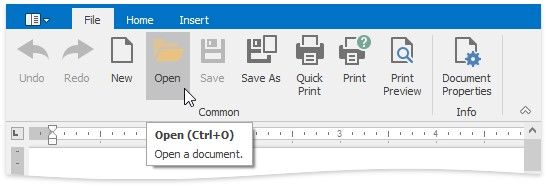
To load a document, on the File tab, in the Common group, click the Open button, or use the CTRL+O keyboard shortcut.
The Open dialog appears, allowing you to select a file.
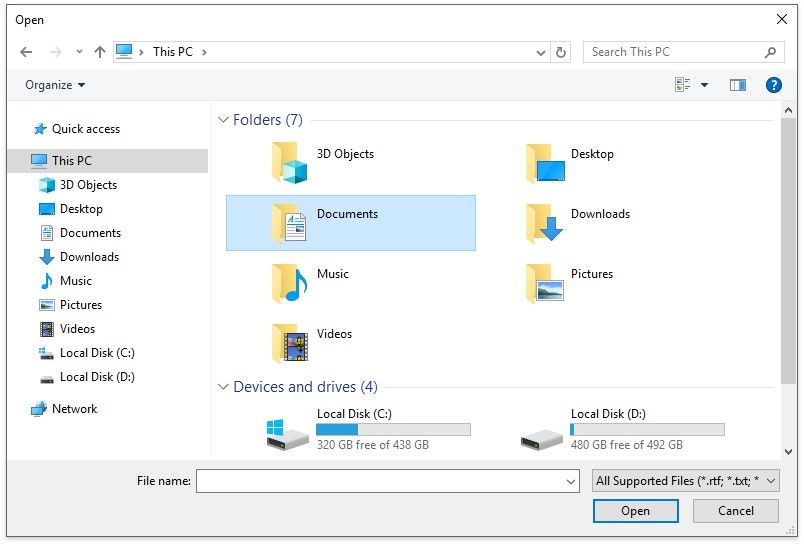
The Rich Editor enables you to open documents of the following types:
Rich Text Format (*.rtf)
Text Files format (*.txt)
Hyper Text Markup Language format (*.htm, *.html) web page archive format (*.mht) Microsoft Word 97-2003 format (*.doc)
WordML (*.xml)
Open Office XML format (aka Office 2007 or *.docx)
Open Document Format (*.odt)
Electronic Publication (*.epub)