Layout
The Pie dashboard item allows you to specify the number of columns or rows in which individual diagrams are arranged.
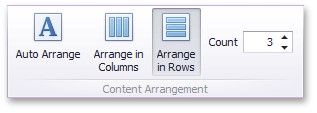
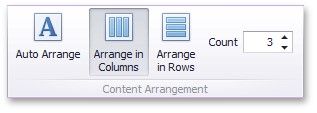
To control how pies are arranged, use the buttons in the Content Arrangement group of the Design Ribbon tab.
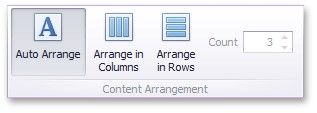
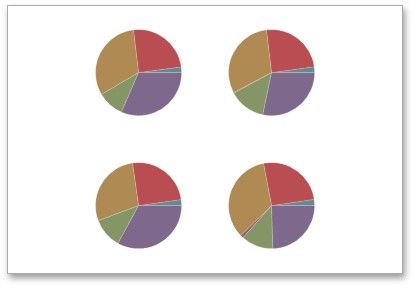
By default, the Auto Arrange option is enabled, which automatically resizes pies to fit within the dashboard item.
You can also specify the number of columns in which pies are arranged. Click the Arrange in Columns button and specify the appropriate number in the Count field.
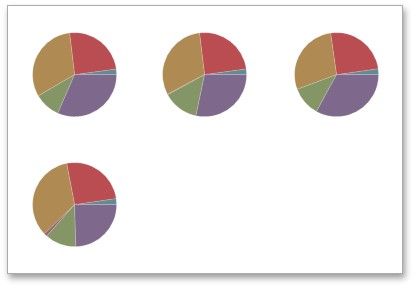
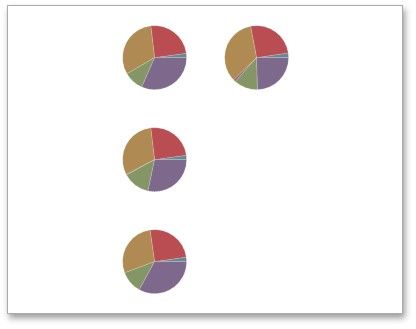
Similarly, you can arrange pies in a specific number of rows.