Insert a Bookmark
A Bookmark exposes a document range with a name. The range can have a zero length. The name should start with a letter and can include numbers.
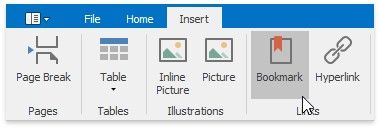
To create a new bookmark, place the caret at the chosen location, or select the text to mark, and on the Insert tab, in the Links group, click the Bookmark button...
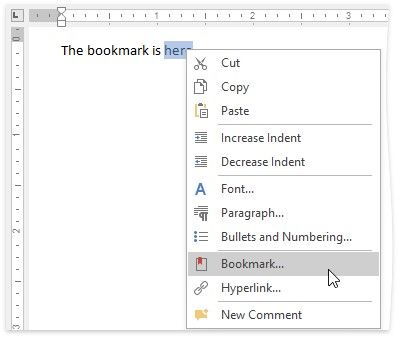
...or choose the Bookmark... item from the context menu.
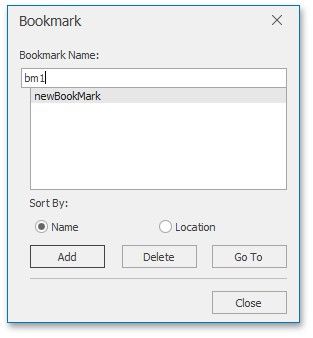
In the invoked Bookmark dialog, specify the bookmark name and click Add.
After you insert a bookmark in a document, you can insert a hyperlink to make a cross-reference to this bookmark.