Image Editors
Image editors are used to customize the XRPictureBox report control's content in Print Preview.
Use the control's Edit Options | Editor Name property to assign one of the following image editors.
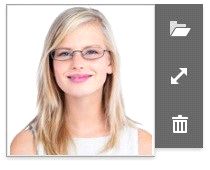
 Image Editor
Allows you to load an image and specify the image's size options.
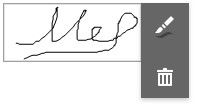
Allows you to specify brush options and draw a signature.
Allows you to load an image and draw a signature. The image's size options and brush options are available.
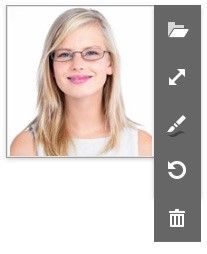
All these image editors include the  button. This button allows you to clear the editor's content.