Hide and Display Elements using a Layout Manager
To perform layout customization, first invoke Customization Mode. After customization has been completed, mode.
Hide an Element
Do one of the following:
Right-click on the layout item and select Hide Item from the context menu:
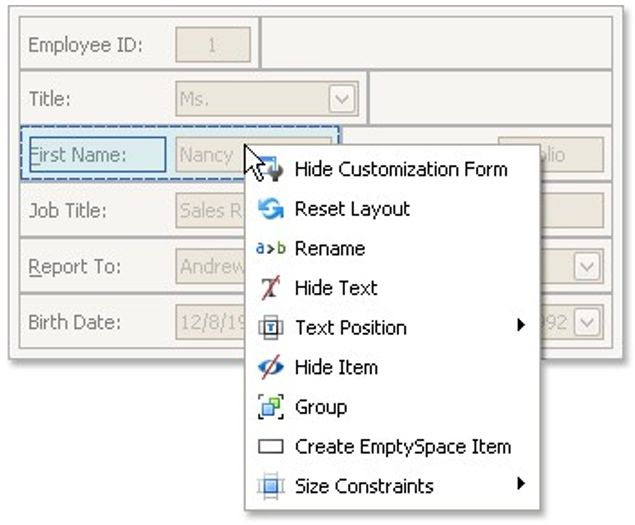
Drag the layout item onto the Hidden Items list of the Customization Form.
Display a Hidden Element
Drag the required item from the Customization form's Hidden Items list onto the main form.
Change Element Layout
To perform layout customization, first invoke Customization Mode. After customization has been completed, exit customization mode.