Create and Edit a Format Rule
You can create format rules in the following ways:
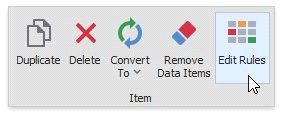
This action invokes the Edit Rules dialog where you can create a new format rule or manage rules applied to the dashboard item.
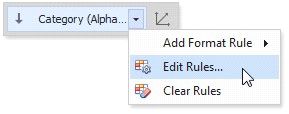
Click the measure/dimension menu button in the Data Item's pane and select Add Format Rule/Edit Rules.
The Add Format Rule option invokes the pop-up menu where you can select the format rule and format condition's type for a new rule.
When you click Edit Rules, the Edit Rules dialog appears. You can edit all created format rules for the selected data item in the dialog.
The Clear Rules button clears the rules for the specified data item.