Convert Labels to Table
You can convert multiple labels to a table to simplify control alignment.
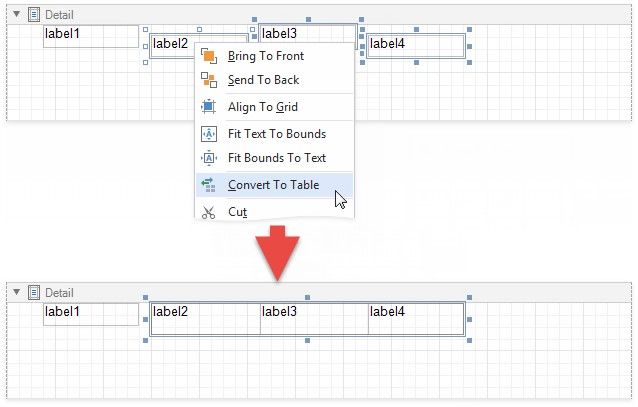
Hold CTRL or SHIFT and click labels to select them. Right-click any of the selected labels and select Convert To Table from the context menu. A table with one row is added to the report instead of the selected labels.
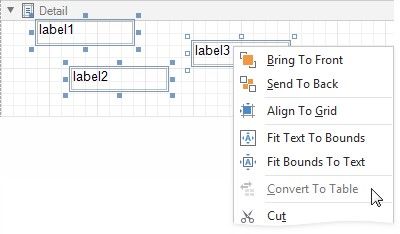
The Convert To Table option is not available if any of the selected labels overlap horizontally.
The created table occupies horizontal space from the leftmost label's left edge to the rightmost label's right edge, and vertical space from the topmost label's top edge to the lowest label's bottom edge.
The horizontal gap between labels is included in the left cell.
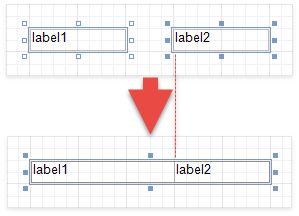
The table cells copy all property values from the labels.