Chart Titles Page
Tasks
Create chart titles;
Enable the word-wrapping for lengthy chart titles; Customize the appearance and position of chart titles.
Page Elements
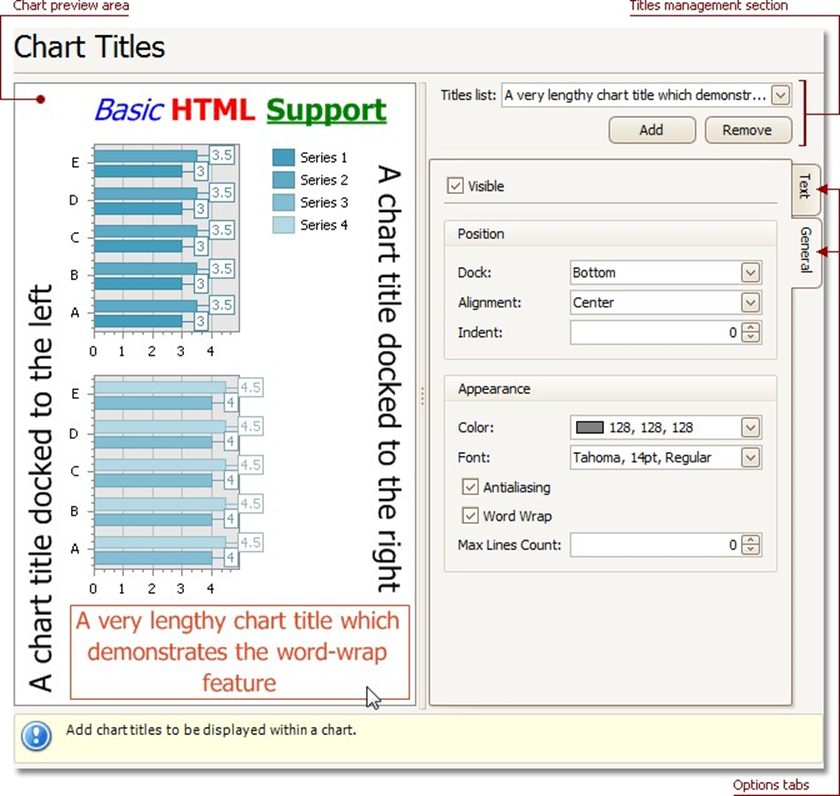
Chart preview area
Previews a chart's layout.
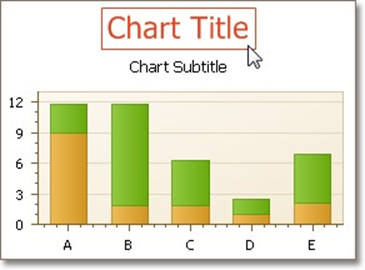
Note that you can select chart titles to be modified in the chart preview area directly.
Titles management section
Allows you to add or remove titles from the titles list, and choose a title to be customized.
Options tabs
| The following tabs are available on this page. |
| Text |
Sets a text for the selected chart title. Note that the basic HTML formatting is supported for chart titles.
 General
Specifies a title's visibility, alignment and font options, and determines whether the word-wrapping is enabled for a title.