Blank Report
This topic describes how to add a new blank report to an application at design time in Visual Studio by using the Report Wizard.
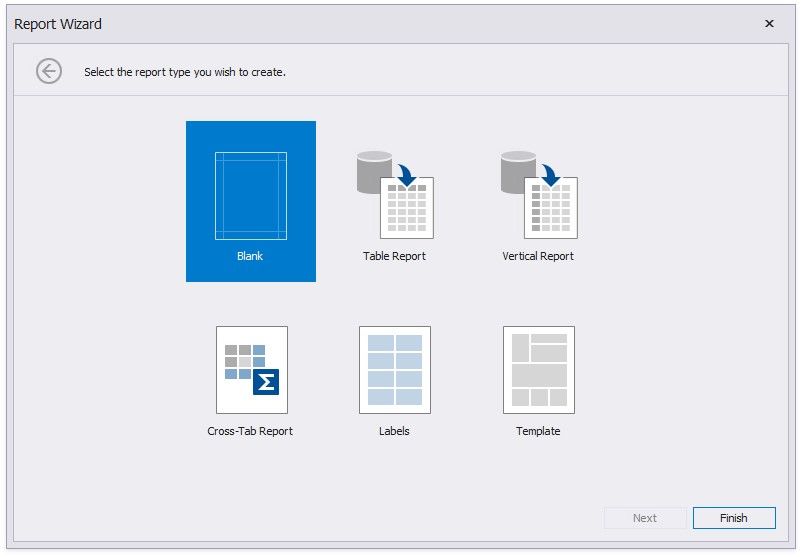
To create an empty report, run the Report Wizard, select Blank and click Finish.
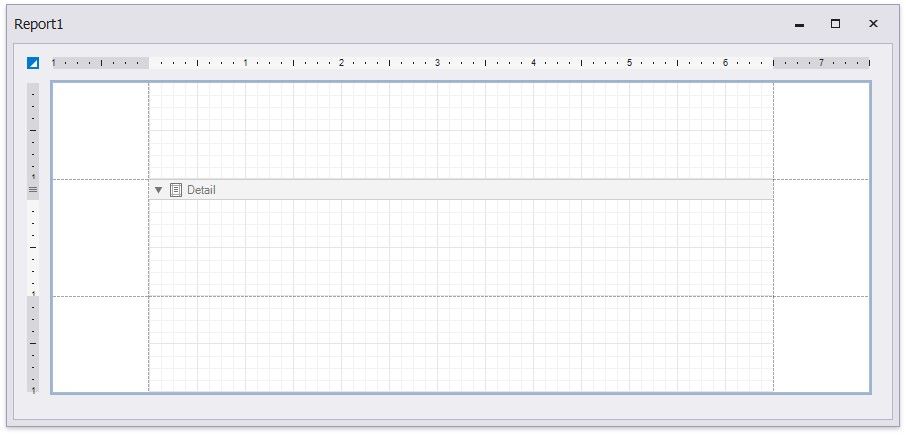
The following image illustrates the default layout of a newly added empty report.
To learn how to connect a report to data and construct the report layout, see the following topic: Bind to Data.