Adjust Column Width
Automatically Change Column Width to Fit Entered Data
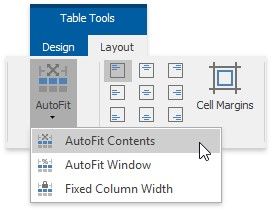
1.Click within a table.
2.On the Table Tools/Layout tab, in the Cell Size group, click the AutoFit button and select AutoFit Contents.
Automatically Change Table Width to Fit Page Margins
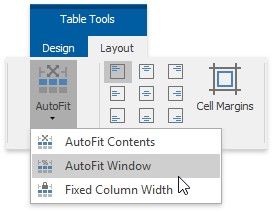
1.Click within a table.
2.On the Table Tools/Layout tab, in the Cell Size group, click the AutoFit button and select AutoFit Window.
Fix a Specific Width for Each Column in a Table
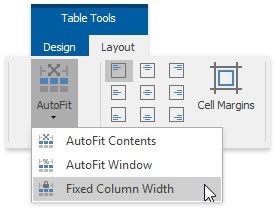
1.Specify a width for each column in a table (for example, by using the mouse or via the Table Properties dialog).
2.On the Table Tools/Layout tab, in the Cell Size group, click the AutoFit button and select Fixed Column Width.