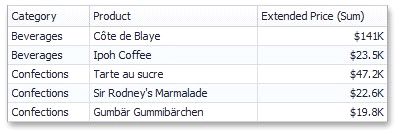
Style
The Grid dashboard item allows you to specify various style settings.
To do this, use the Style group in the Design Ribbon tab.
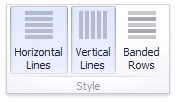
Grid Lines
The Horizontal Lines and Vertical Lines buttons control grid line visibility.
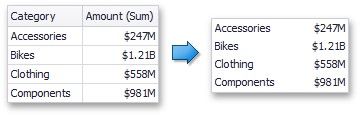
Banded Rows
To paint the background of odd and even rows differently, use the Banded Rows button.