Stored Procedures
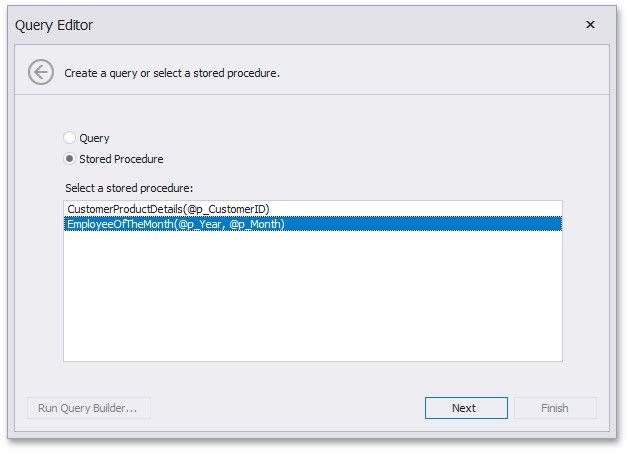
If you use a stored procedure to supply the dashboard with data, you should specify the stored procedure parameters. In the Query Editor dialog, select the required stored procedure and click Next.
On the next page, you can specify the parameter settings.
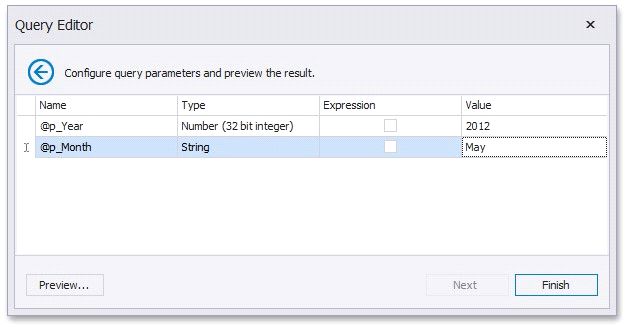
Expression - Specifies whether the expression is used to specify a parameter value. to specify the required expression or select an existing dashboard parameter to use it as a stored procedure parameter.
Click the Preview... button to preview the query result. Then, click Finish to complete query modifying.