Series
The Range Filter dashboard item supports various Line and Area series types.
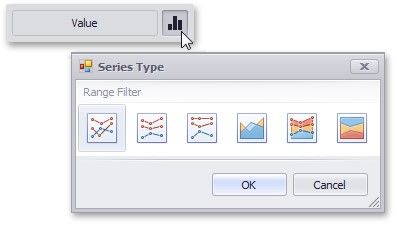
To switch between series types in the Designer, click the options button next to the required data item in the Values section. In the invoked Series Type dialog, select the required series type and click OK.
You can also do this using the buttons in the Series Type group of the Design Ribbon tab.
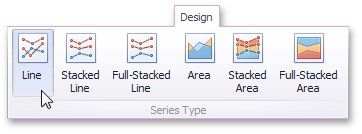
The Range Filter supports the following series types.
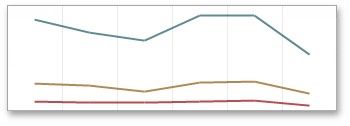
Line:
Stacked Line:
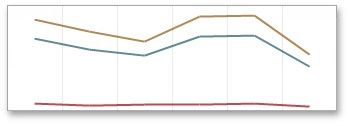
Full-Stacked Line
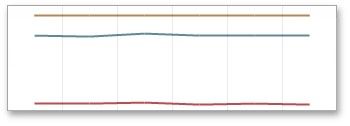
Area:
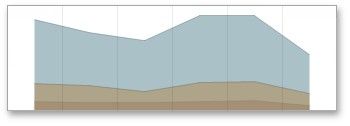
Stacked Area:
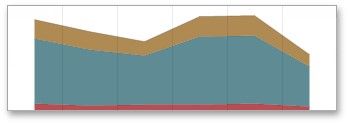
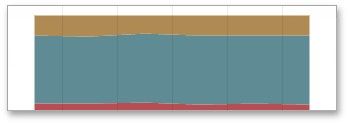
Full-Stacked Area: