Save Reports
Reports are saved as a file with an REPX extension. This file stores information about the report layout.
You can use one of the following commands to save reports:
Click Save or Save As to save a copy of the report.
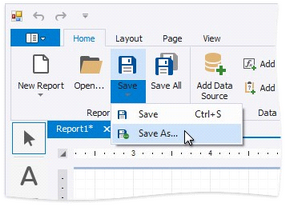
Specify the folder and file name in the invoked Save As dialog.
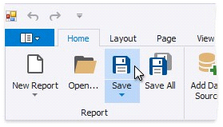
Click Save or press CTRL+S to save the report's layout in the application's folder.